
MODULE 3: Selling · LESSON 3 OF 4 · Selling and delivery
Know who sells and who ships
Follow an order from payment to dispatch, receipt, the return period and settlement, and know what each party receives.
Watch NOVA show you
Make a sale
Follow a shopper from your store to checkout and their order emails, and see what opens in stages. About 1 min, with your turn to try.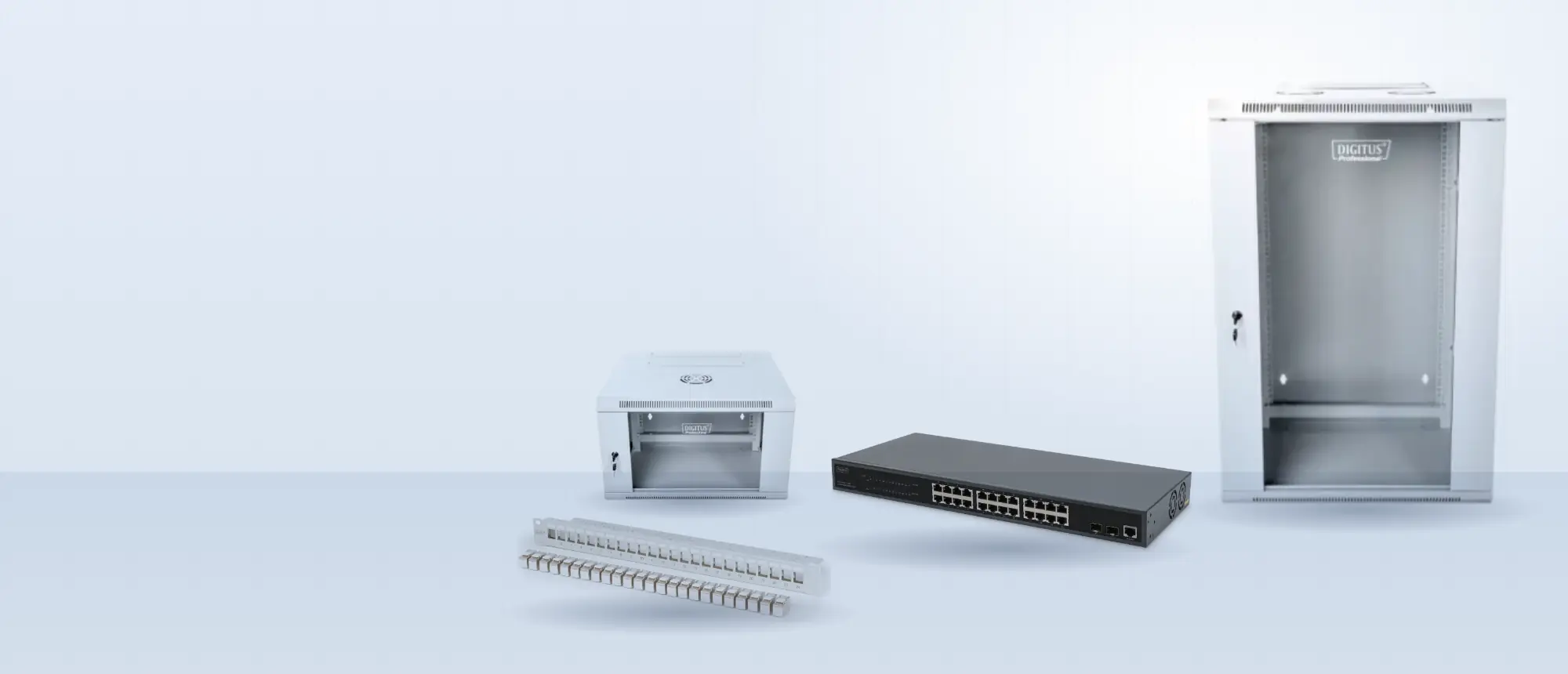
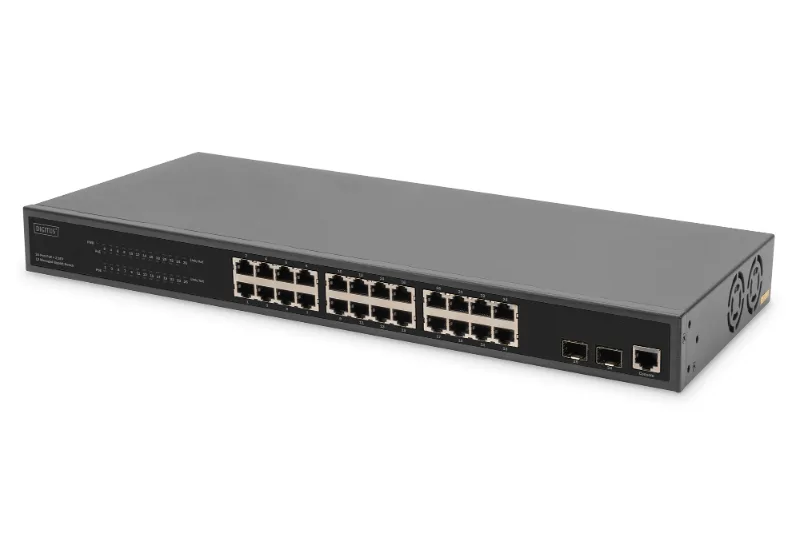
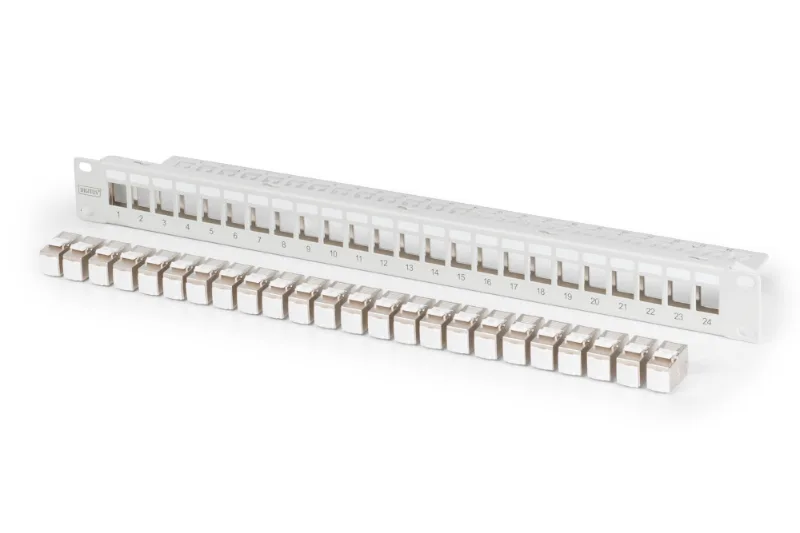 Modular patch panel, 24-port€96.50
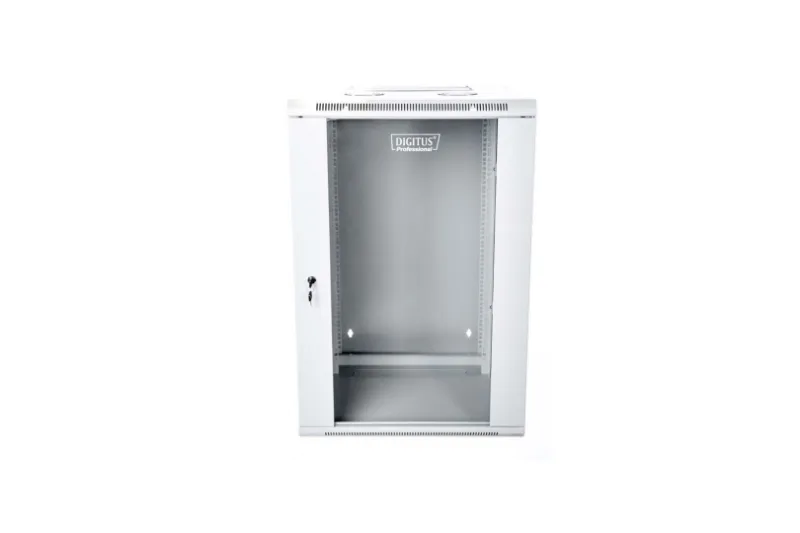 12U wall cabinet, glass door€214.00
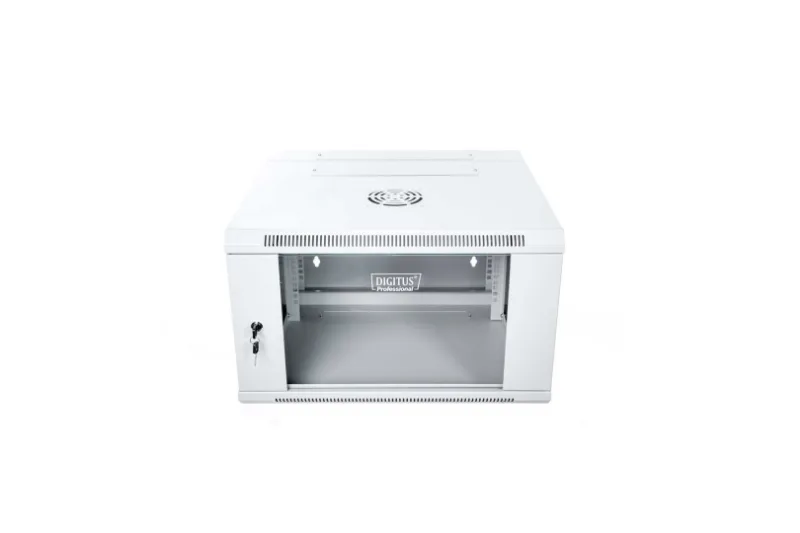 6U wall cabinet, light grey€129.00
Read the transcript: Make a sale
- Let's follow a shopper. They arrive at your store from your link.
- They open a product you recommend, and read your advice.
- Today, shoppers buy the FUSE products you recommend at FUSE's price, and your store is recorded as the source.
- Your turn. Be the shopper, and press Buy on FUSE.
- FUSE takes the payment, issues the invoice and ships from its warehouse. You don't hold stock or pack anything.
- The buyer gets an email when the order is confirmed,
- another when it ships, with tracking, and one if it's ever refunded.
- Selling at your own price, commission and cash payouts open in stages. None of them is live yet, and your workspace says when each one opens.
A demonstration with example data. Your workspace shows your own store, and the features marked as opening in stages are not live yet.
Explore the idea
TRY IT HERE · PRACTICE ONLY
Follow an equipment order, once checkout opens
An agreed amount
Equipment checkout opens in stages. Delivery options are reviewed with the listing before a buyer can pay.
Step 1 of 6