
Secure access for a distributed public-service team
Connect office staff, remote workers and public counters without making internal services reachable from visitor networks.
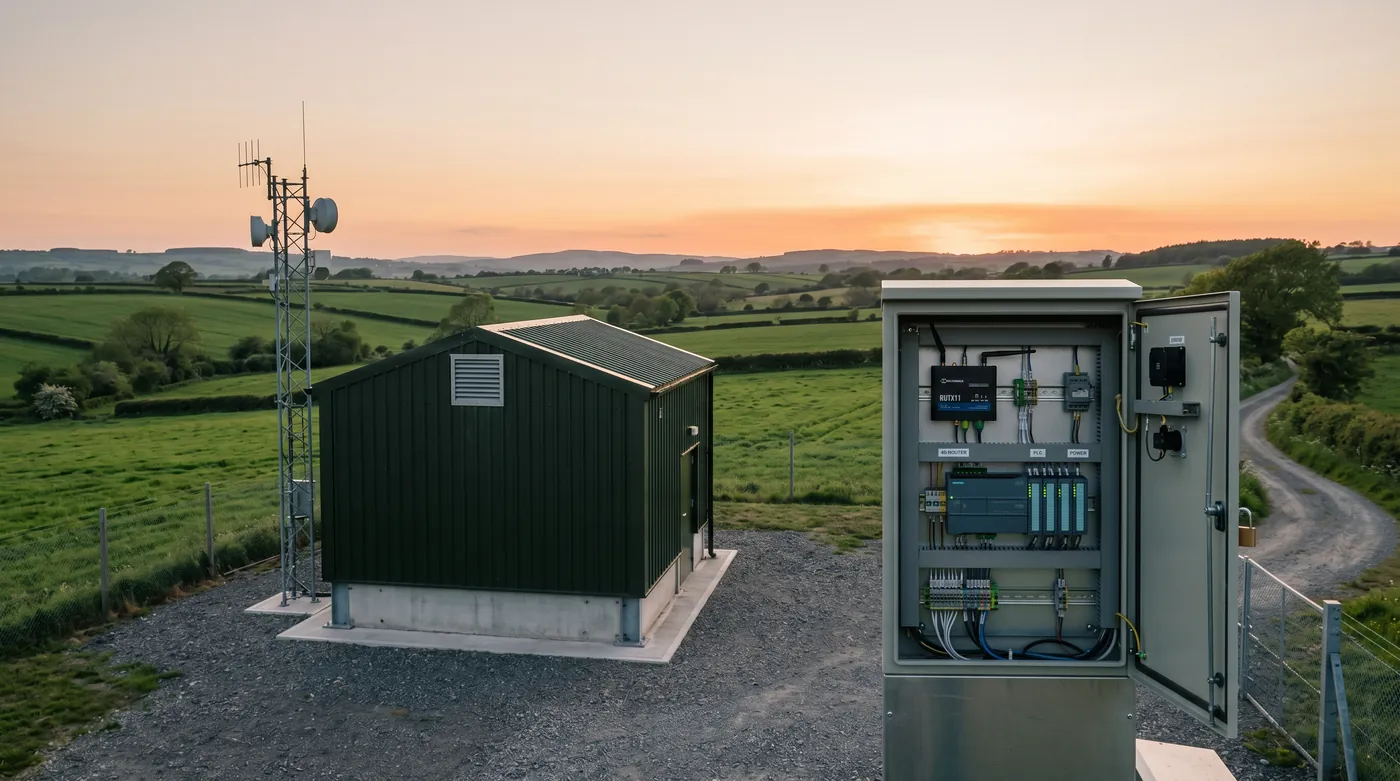
Protect internal services from public access
Make remote access attributable
Keep essential services usable on backup
How the solution connects
Independent uplinks meet a controlled network boundary. Local access is separated by purpose.
Read the connection map
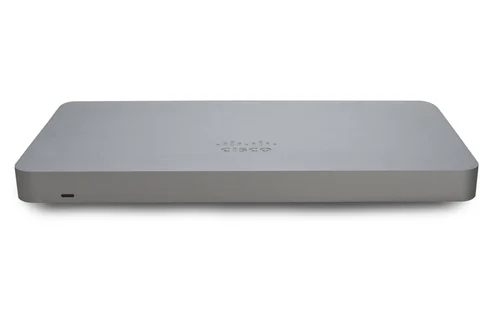
- Office internet → MX75 + remote access · Primary path
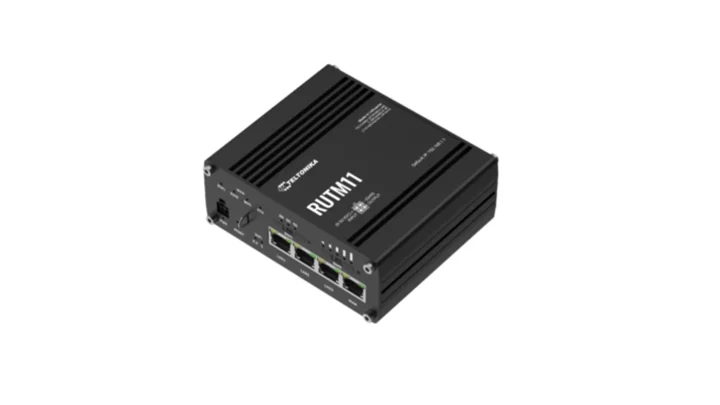
- RUTM11 LTE · backup → MX75 + remote access · Alternate WAN
- MX75 + remote access → Catalyst access switch · Policy boundary
- Catalyst access switch → Staff applications · Separate zone
- Catalyst access switch → Public counters + Wi-Fi · Separate zone
- Catalyst access switch → Restricted management · Separate zone
The challenge on the ground
Public counters, meeting rooms and remote staff have different access needs. Shared accounts and broad VPN permissions make those differences difficult to enforce.
The network should expose only the applications a role needs and leave an audit trail that identifies the person and device involved.
Inside the design
Use an MX75 at the office edge, managed Catalyst access switching and indoor CW9172I APs. Create separate staff, public, building-device and management zones.
Connect RUTM11 LTE as a secondary WAN for essential applications. Remote access terminates at an approved gateway integrated with the organisation’s identity and MFA service; its licence and device-posture capabilities are scoped explicitly.
Operating it day to day
Assign application access by role and require a separate administrative account for infrastructure changes. Set an expiry for contractors and test offboarding, including active sessions.
Record which services are permitted over the cellular link and cap public Wi-Fi during an outage. Provide a recovery process for a lost authenticator that does not become an informal MFA bypass.
What to test before handover
- Test staff, contractor and disabled-account access separately.
- Verify public clients cannot reach staff or management networks.
- Check a critical public-service workflow over LTE.
- Review connection and administrative logs with the service owner.
Technical references
The bill of materials
One municipal office with staff devices, public access and an existing identity provider. Quantities below describe the example; your proposal confirms the final equipment and services.

Complete the installation
The equipment above is one part of the project. Include these items in the final scope.
- Remote-access and network licences
- Identity/MFA service
- Cabinet, UPS and cabling
- Mobile plan and application acceptance testing
Questions before you specify
Does a VPN give remote staff access to everything?
It should not. Assign named application or subnet permissions to roles, then test both allowed and denied access.
Let’s design it for your site.
Send us the details below. We can turn the reference architecture into a scoped design, equipment schedule and quotation.
Start your projectBring these to the first conversation
- 01Identity provider and remote-access client
- 02Applications by staff role
- 03Public Wi-Fi scope
- 04Logging and offboarding policy