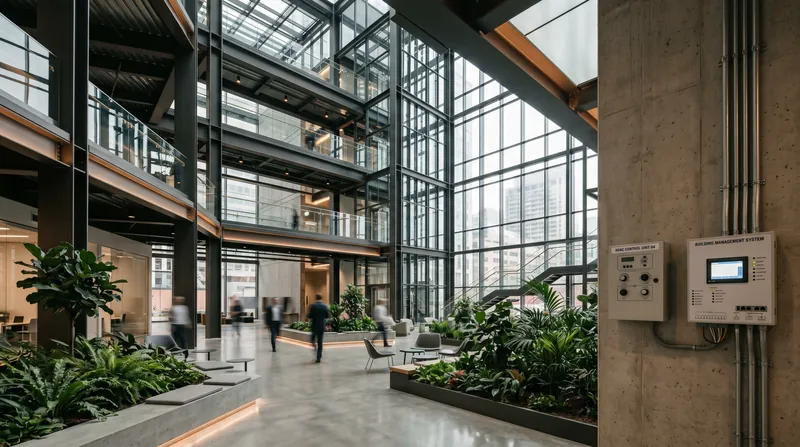
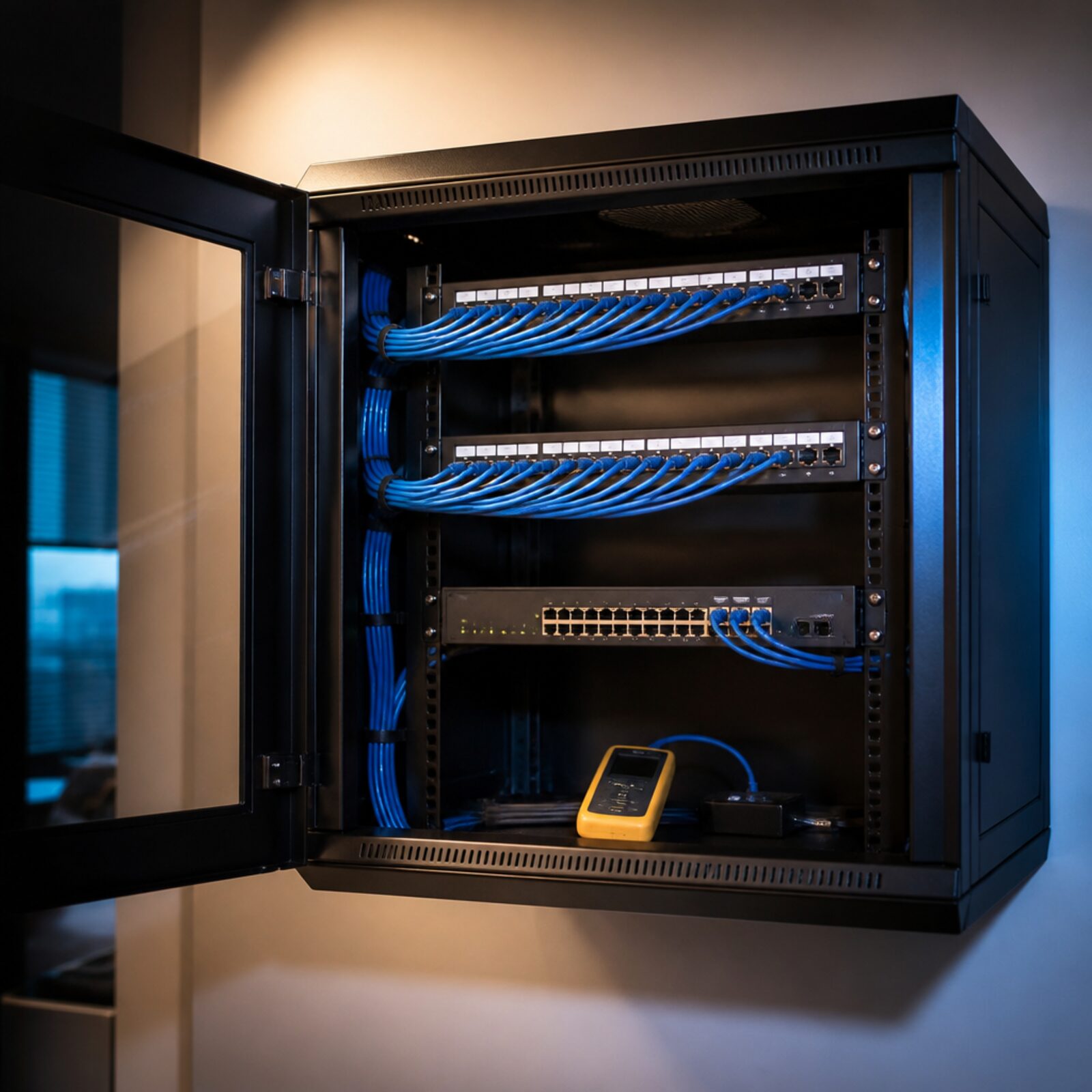
An office network with one coherent operating model
Bring security, switching and wireless policy together in a Meraki-managed office design, with explicit licensing and a practical handover.
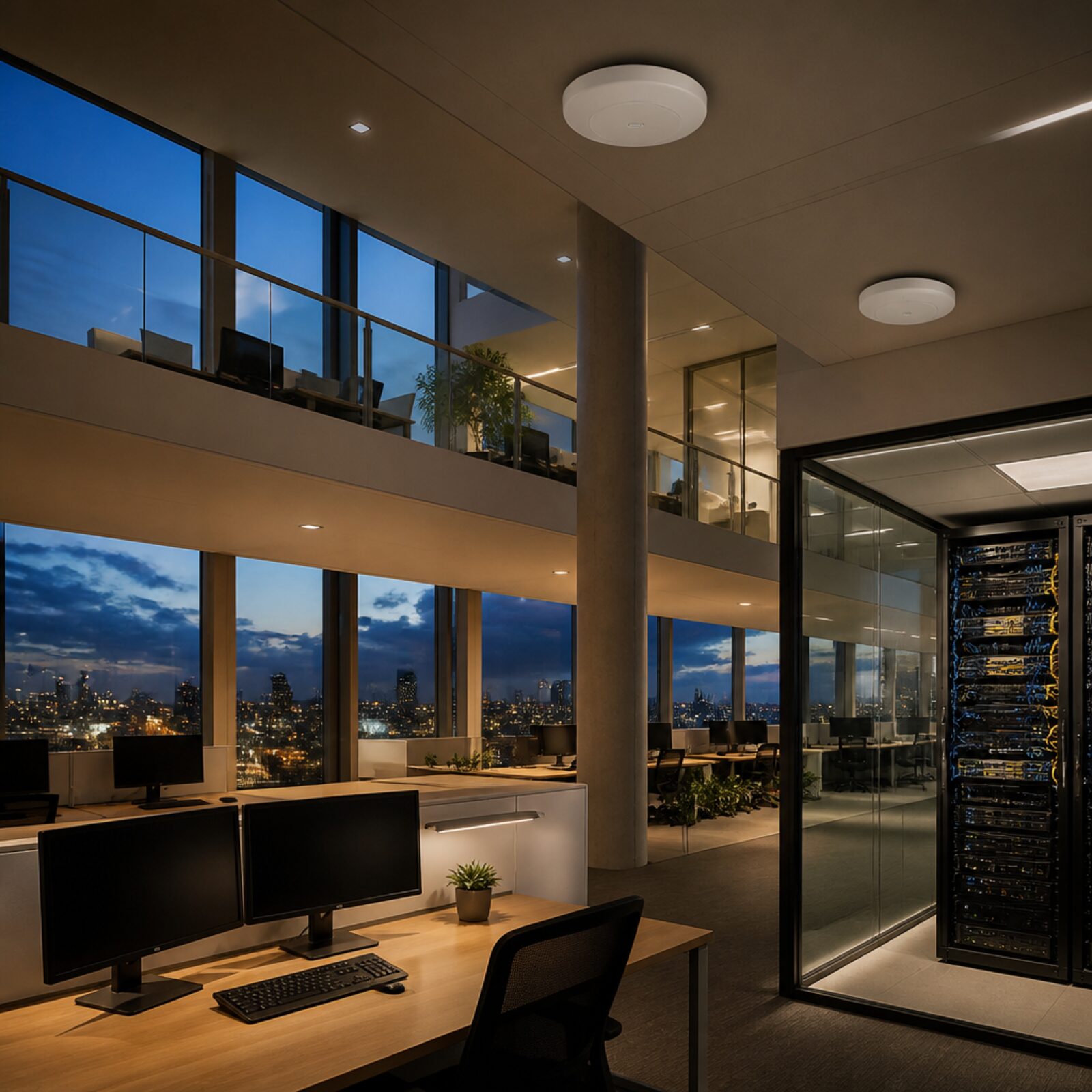
Make access policy consistent
Design meeting-room capacity deliberately
Hand over a documented network
How the solution connects
Independent uplinks meet a controlled network boundary. Local access is separated by purpose.
Read the connection map
- Office internet → Meraki MX85 · Primary path
- Secondary WAN · option → Meraki MX85 · Alternate WAN
- Meraki MX85 → Meraki MS130-48P · Policy boundary
- Meraki MS130-48P → Work-area Wi-Fi · Separate zone
- Meraki MS130-48P → Meeting rooms · Separate zone
- Meraki MS130-48P → Guest network · Separate zone
The challenge on the ground
Office networks accumulate exceptions: a meeting-room switch, an unmanaged AP and an old firewall rule added for one application. The resulting network may function but be difficult to maintain.
A new design should define identity, addressing, access policy and monitoring together rather than simply replace each box.
Inside the design
Use an MX85 security appliance, MS130-48P access switch, CW9172I work-area APs and a CW9176I for the surveyed meeting zone. Separate corporate, guest, voice/meeting devices and management traffic.
Select the AP management mode and required subscriptions with the procurement schedule. Count the full PoE load and uplink utilisation, especially where newer APs offer capabilities beyond the switch access speed.
Operating it day to day
Use named administrator accounts, MFA and role-based privileges. Document SSIDs, VLANs, uplinks, DHCP and application exceptions.
Pilot meeting calls and normal cloud workflows before the cutover. Keep rollback steps and previous configuration exports, then hand over alerts, support ownership and renewal dates with the physical port schedule.
What to test before handover
- Run simultaneous meeting calls and normal office work.
- Verify guest isolation and the device-management boundary.
- Test access after an administrator or employee is offboarded.
- Demonstrate configuration recovery and the agreed WAN outage response.
Technical references
The bill of materials
Example office with two work areas and a meeting zone. User count, security workload and RF survey determine final sizing. Quantities below describe the example; your proposal confirms the final equipment and services.
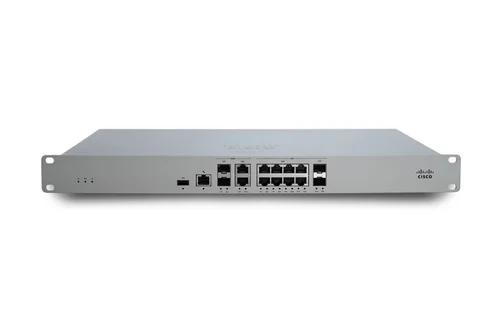
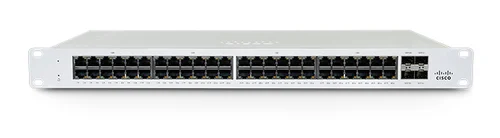
Cisco Meraki MS130-48P Cloud Managed 48-Port PoE Switch
MS130-48PManaged PoE switching
View product
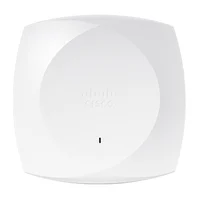
Cisco CW9176I indoor access point
CW9176I-CFGMeeting-zone wireless
Indoor AP; verify client mix and uplink design.
View productComplete the installation
The equipment above is one part of the project. Include these items in the final scope.
- Meraki licences and support term
- Secondary ISP if required
- UPS, cabinet and structured cabling
- Identity integration and commissioning
Questions before you specify
Is every Cisco switch managed through Meraki Dashboard?
No. This example explicitly selects MS switching and supported wireless management. Other Cisco families have their own management and licensing choices.
Let’s design it for your site.
Send us the details below. We can turn the reference architecture into a scoped design, equipment schedule and quotation.
Start your projectBring these to the first conversation
- 01Floor plan and peak users
- 02Meeting-room and voice requirements
- 03Identity and security services
- 04Existing ISP and cabling details