
A location uplink designed around the encoder
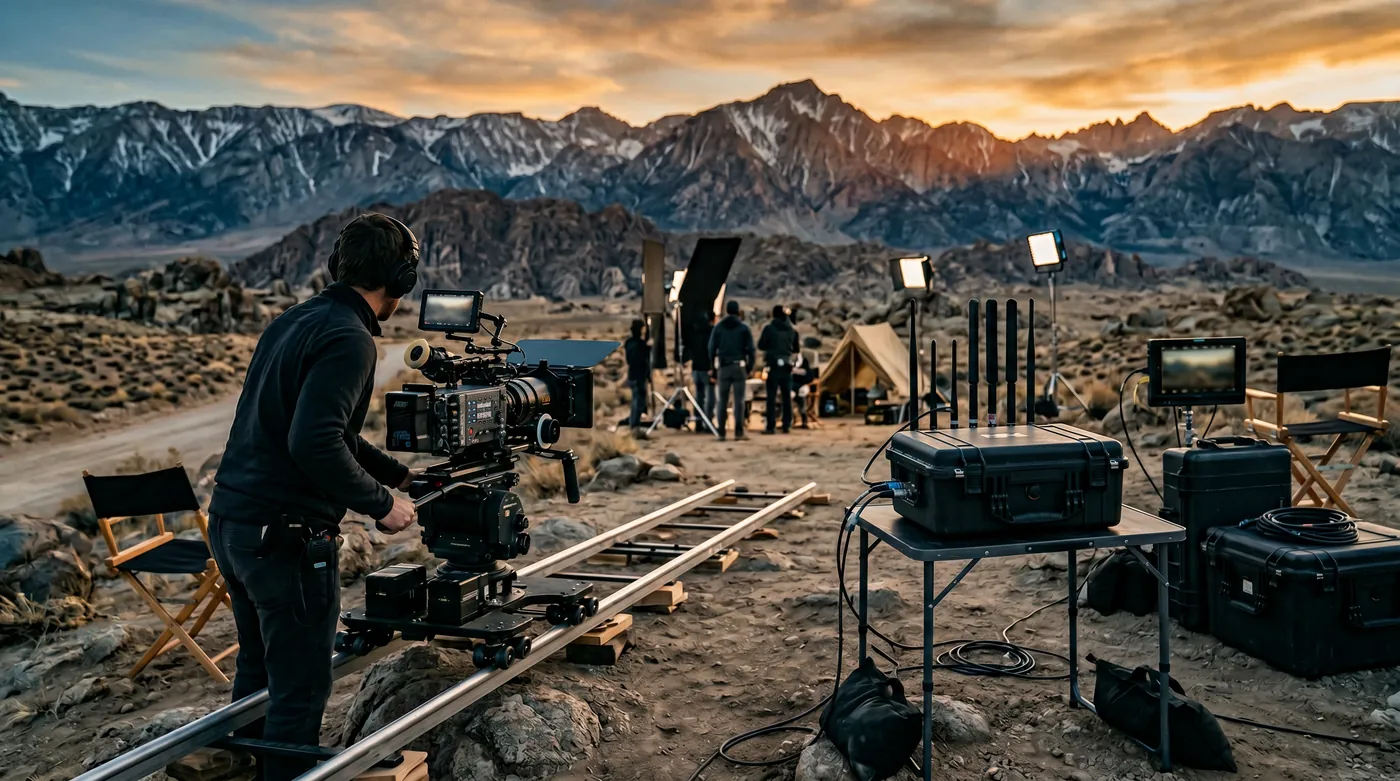
Give a broadcast crew a measured, prioritised path from the encoder to its destination using multiple transports and a deliberately sized tunnel endpoint.
Budget sustained uplink capacity
Protect production from crew traffic
Test the complete ingest path
How the solution connects
Follow the data from collection to the people and services that use it.
Read the connection map
- Wired production encoder → HD2 MBX · multi-WAN · Collection
- Production applications → HD2 MBX · multi-WAN · Collection
- HD2 MBX · multi-WAN → FusionHub endpoint · Protected transfer
- FusionHub endpoint → Ingest receiver · Workflow
- FusionHub endpoint → Production monitoring · Workflow
- FusionHub endpoint → Protected support · Workflow
The challenge on the ground
A speed test can look healthy while an encoder drops frames. Broadcast traffic depends on sustained upload, jitter, loss and the destination path, and redundant transports may deteriorate together at a crowded location.
The design starts with the encoder profile and the receiver’s tolerance for interruption.
Inside the design
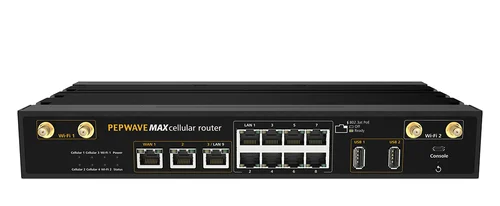
Use a Peplink MAX HD2 MBX with the exact quoted modem configuration and an additional satellite Ethernet transport where practical. Terminate SpeedFusion on a properly sized FusionHub host near the ingest destination. Connect the encoder by wire and give it a dedicated traffic policy.
Crew Wi-Fi uses a separate network with rate limits. Tunnel smoothing or bonding is selected and licensed for the workflow rather than assumed to create free extra bandwidth.
Operating it day to day
Measure sustained uplink on each carrier and the satellite service, including the tunnel destination. Leave headroom for protocol overhead and any duplicated packets.
Test the actual encoder bitrate, codec and recovery settings. Agree a reduced-quality fallback profile with production, monitor the WAN paths during transmission and keep power continuity for the router, encoder and transport equipment.
What to test before handover
- Transmit the real encoder profile to the actual test receiver for an agreed duration.
- Fail each WAN and measure receiver-visible interruption.
- Apply crew load and confirm production priority.
- Test a reduced-bitrate profile and a controlled power recovery.
Technical references
The bill of materials
One location production unit with a wired encoder, crew access and a remote ingest endpoint. Quantities below describe the example; your proposal confirms the final equipment and services.
Peplink FusionHub 100
FHB-100-AVirtual tunnel endpoint
Size host and network for the measured encoder workload.
View product
Starlink Performance Gen 3
SLK-PFMAdditional satellite transport
Performance Gen 3; confirm regional service eligibility, mounting and power for the installation.
View product

Cisco CW9172I indoor access point
CW9172I-CFGIndoor crew Wi-Fi
Optional — Only in a protected indoor production space.
View productComplete the installation
The equipment above is one part of the project. Include these items in the final scope.
- Encoder and ingest service
- Peplink subscriptions and endpoint hosting
- SIMs, satellite service and antenna system
- Protected power and location installation
Questions before you specify
Does bonding guarantee the encoder bitrate?
No. Available uplink, loss, overhead and endpoint capacity still constrain the stream. Commission using the actual encoder and receiver, with a fallback profile.
Let’s design it for your site.
Send us the details below. We can turn the reference architecture into a scoped design, equipment schedule and quotation.
Start your projectBring these to the first conversation
- 01Encoder/receiver and target bitrate
- 02Location and transmission schedule
- 03Available carriers and satellite view
- 04Acceptable interruption and fallback profile