
Campus Wi-Fi planned for a full classroom
A school network that accounts for simultaneous lessons, managed devices and safe separation of teaching, administration and visitors.
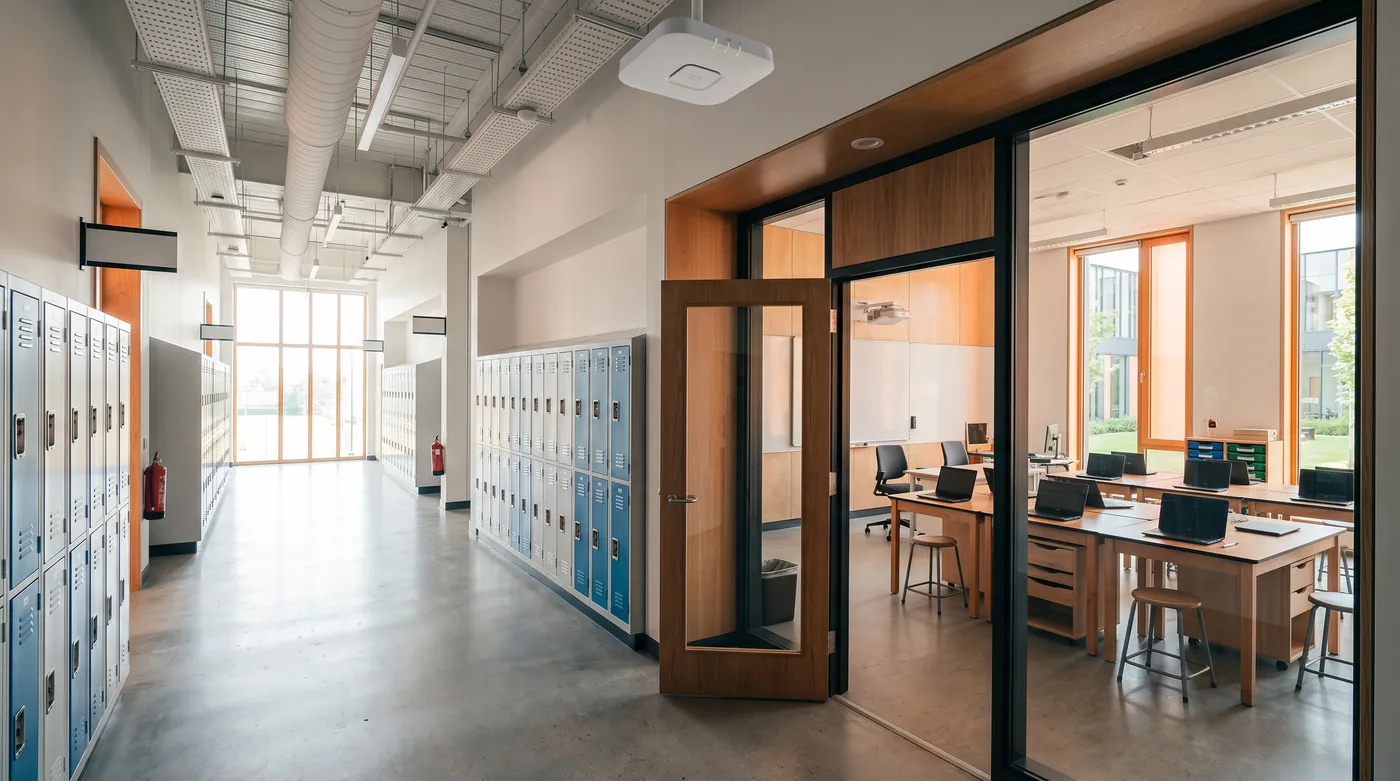
Plan for concurrent classroom activity
Separate pupils, staff and administration
Roll out in manageable teaching blocks
How the solution connects
Independent uplinks meet a controlled network boundary. Local access is separated by purpose.
Read the connection map
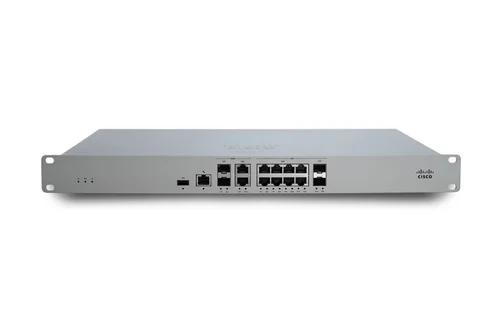
- School internet → MX85 security edge · Primary path
- Secondary circuit · option → MX85 security edge · Alternate WAN
- MX85 security edge → MS130 classroom switching · Policy boundary
- MS130 classroom switching → Teaching rooms · Separate zone
- MS130 classroom switching → Staff + administration · Separate zone
- MS130 classroom switching → Visitors + shared spaces · Separate zone
The challenge on the ground
A coverage heatmap alone does not show whether thirty devices can join a lesson at once. Class changes create roaming bursts, old client radios limit available features and cloud learning platforms depend on identity and DNS.
The pilot must use the school’s actual mix of devices and applications.
Inside the design
Use an MX85 as the illustrative school edge, MS130-48P PoE access switching and CW9172I classroom APs. Use a CW9176I in the shared learning area if the capacity survey supports it.
Separate administration, staff, pupil devices, visitors and infrastructure. Keep filtering and identity policy aligned with the school’s management platform; new Meraki Systems Manager licences are not part of this design.
Operating it day to day
Pilot a complete lesson with normal device management and filtering enabled. Keep an exception process for exam and accessibility software.
Schedule updates around the school calendar, record AP locations and switch ports, and leave spare PoE capacity for growth. A school-wide rollout repeats the accepted block rather than simply multiplying an untested AP count.
What to test before handover
- Join a full sample class concurrently and launch the learning application.
- Walk the teaching block using the oldest supported client.
- Check pupil and visitor isolation from administration.
- Run the agreed exam or assessment workflow with filtering enabled.
Technical references
The bill of materials
Pilot teaching block: four classrooms and one shared learning area. Expand after a busy-period survey. Quantities below describe the example; your proposal confirms the final equipment and services.
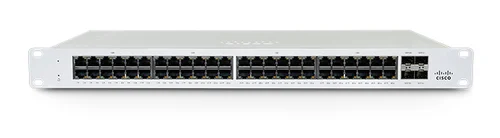
Cisco Meraki MS130-48P Cloud Managed 48-Port PoE Switch
MS130-48PTeaching-block PoE switch
View product
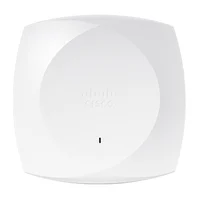
Cisco CW9176I indoor access point
CW9176I-CFGShared learning-area AP
Indoor model; deployment depends on client and capacity survey.
View productComplete the installation
The equipment above is one part of the project. Include these items in the final scope.
- Meraki network licences
- Existing MDM, identity and filtering services
- Fibre uplinks, optics and building cabinets
- UPS and structured cabling
Questions before you specify
Should we buy Wi-Fi 7 for every room?
Choose the AP and uplink design around current clients, simultaneous use and the refresh horizon. New radios alone do not fix congestion or poor placement.
Let’s design it for your site.
Send us the details below. We can turn the reference architecture into a scoped design, equipment schedule and quotation.
Start your projectBring these to the first conversation
- 01Floor plans and classroom occupancy
- 02Managed-device and MDM inventory
- 03Filtering and identity services
- 04Exam windows and campus fibre routes