Retail networks that keep the checkout moving
Connect tills, stock systems and staff across a retail estate with a repeatable branch design: Meraki security, separated networks and a current-generation Teltonika 5G backup uplink.
Prioritise card payments during an outage
Keep guests away from business systems
Roll out one documented branch standard
How the solution connects
Independent uplinks meet a controlled network boundary. Local access is separated by purpose.
Read the connection map
- Fibre broadband · WAN1 → MX75 firewall · Primary path
- RUTC50 5G · WAN2 → MX75 firewall · Alternate WAN
- MX75 firewall → MS130-48P PoE · Policy boundary
- MS130-48P PoE → Payment terminals · Separate zone
- MS130-48P PoE → Staff + stock systems · Separate zone
- MS130-48P PoE → Guest Wi-Fi · Separate zone
The challenge on the ground
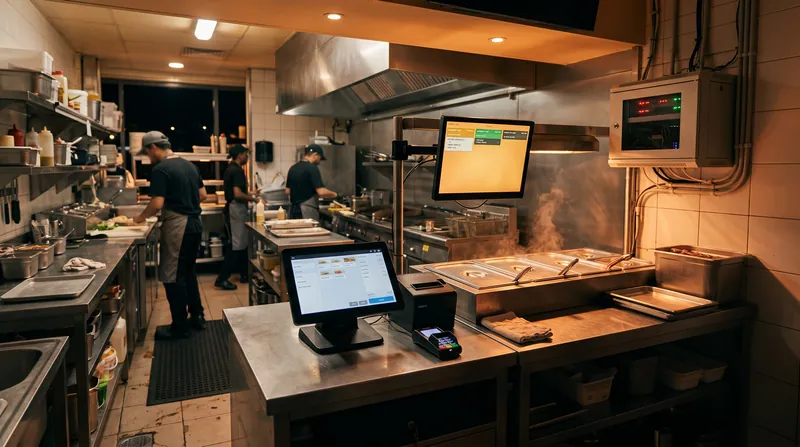
A store can have working Wi-Fi and still be unable to trade. Payment authorisation, stock lookup and click-and-collect depend on services beyond the building.
A fibre failure, an upstream DNS problem or a busy guest network can leave staff diagnosing several unrelated symptoms while a queue builds. The design therefore protects the transaction path first, then restores the wider store experience.
Inside the design
Connect the fixed-line handoff to WAN1 of a Meraki MX75 and a Teltonika RUTC50 Ethernet LAN port to WAN2. The MX remains the branch firewall and SD-WAN endpoint; the RUTC50 supplies a separate cellular transport. Use an MS130-48P for wired tills, APs and back-office connections.
Create separate payment, business, guest and management VLANs, with explicit firewall rules for the payment processor and required services. The RUTC50 built-in Wi-Fi is not used as a second unmanaged store network.
Operating it day to day
Configure WAN health checks against destinations beyond the ISP gateway. On backup, preserve POS, inventory and support access while limiting guest Wi-Fi, software downloads and nonessential video. Test the selected APN, NAT behaviour and payment provider allowlists on both links.
A dual-SIM router switches between subscriptions; it is not two simultaneous cellular links. Store a branch configuration template, address plan and escalation contacts so the next location is repeatable.
What to test before handover
- Disconnect fibre during a test payment and record recovery time and transaction outcome.
- Simulate an upstream failure while the Ethernet port remains up; check that health probes select backup.
- Confirm guest clients cannot reach payment, staff or management subnets.
- Reconnect fibre and check failback, duplicate-payment handling and cellular data usage.
Technical references
The bill of materials
Example branch: one sales floor, a stockroom and a small office. The BOM is per branch; AP placement and quantities follow a site survey. Quantities below describe the example; your proposal confirms the final equipment and services.
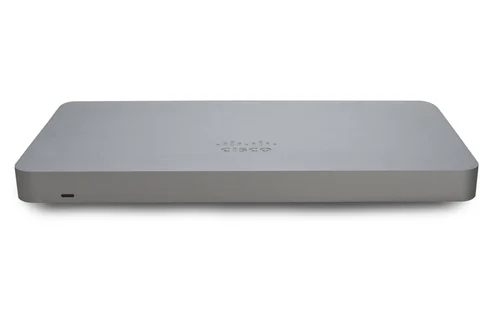
Cisco Meraki MX75 Security Appliance
MX75Branch firewall
WAN policy, inter-VLAN rules and SD-WAN endpoint.
View product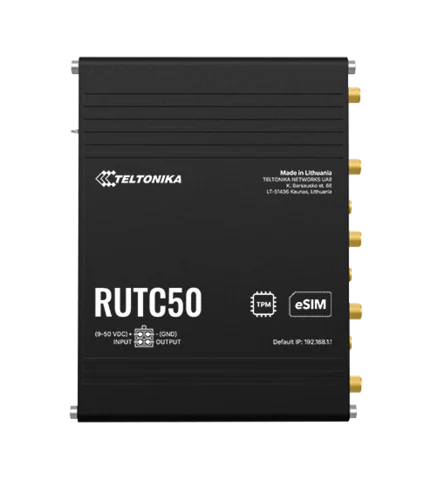
Teltonika RUTC50 5G router
RUTC502100005G backup uplink
RUTC50 EU variant; carrier SIM and APN selected for the site.
View product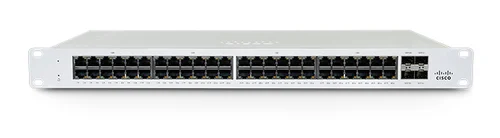
Cisco Meraki MS130-48P Cloud Managed 48-Port PoE Switch
MS130-48PPoE access switching
Count every wired endpoint and AP before finalising the PoE budget.
View product
Cisco CW9172I indoor access point
CW9172I-CFGSales floor and stockroom Wi-Fi
Illustrative two-AP layout; survey determines placement and quantity.
View product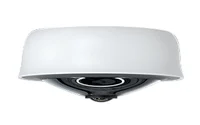
Cisco Meraki MV33 indoor fisheye camera
MV33Entrance overview camera
Optional — Indoor fisheye camera; privacy and retention policy required.
View product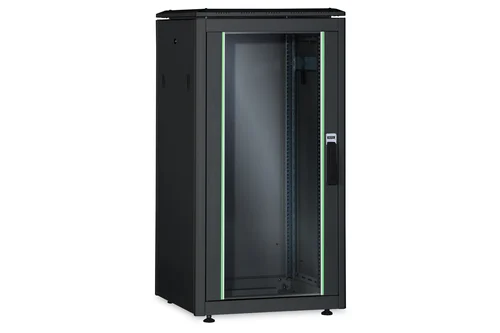
Digitus 26U network cabinet
DN-19 26U-8/10-B-1Secure comms cabinet
Allow space for cable management, ISP handoff and a sized UPS.
View productComplete the installation
The equipment above is one part of the project. Include these items in the final scope.
- Meraki subscriptions and support term
- Carrier SIM/data plan and any external antenna
- UPS sized for the complete branch load
- Patch panels, cabling and installation
Questions before you specify
Does 5G failover keep every session alive?
Ordinary WAN failover can change the public address and interrupt sessions. The payment and application tests establish actual recovery behaviour; no sub-second or uninterrupted-session claim is assumed.
Why use RUTC50 instead of RUTX50?
RUTX50 has entered its announced end-of-life cycle. This new-build design uses RUTC50; existing RUTX50 estates can be migrated during a planned refresh rather than treated as immediately unsupported.
Let’s design it for your site.
Send us the details below. We can turn the reference architecture into a scoped design, equipment schedule and quotation.
Start your projectBring these to the first conversation
- 01Store count and floor plans
- 02Payment processor and POS supplier
- 03Fixed-line details and two carrier survey results
- 04Required recovery time and guest Wi-Fi policy