One dealership, distinct showroom and workshop networks
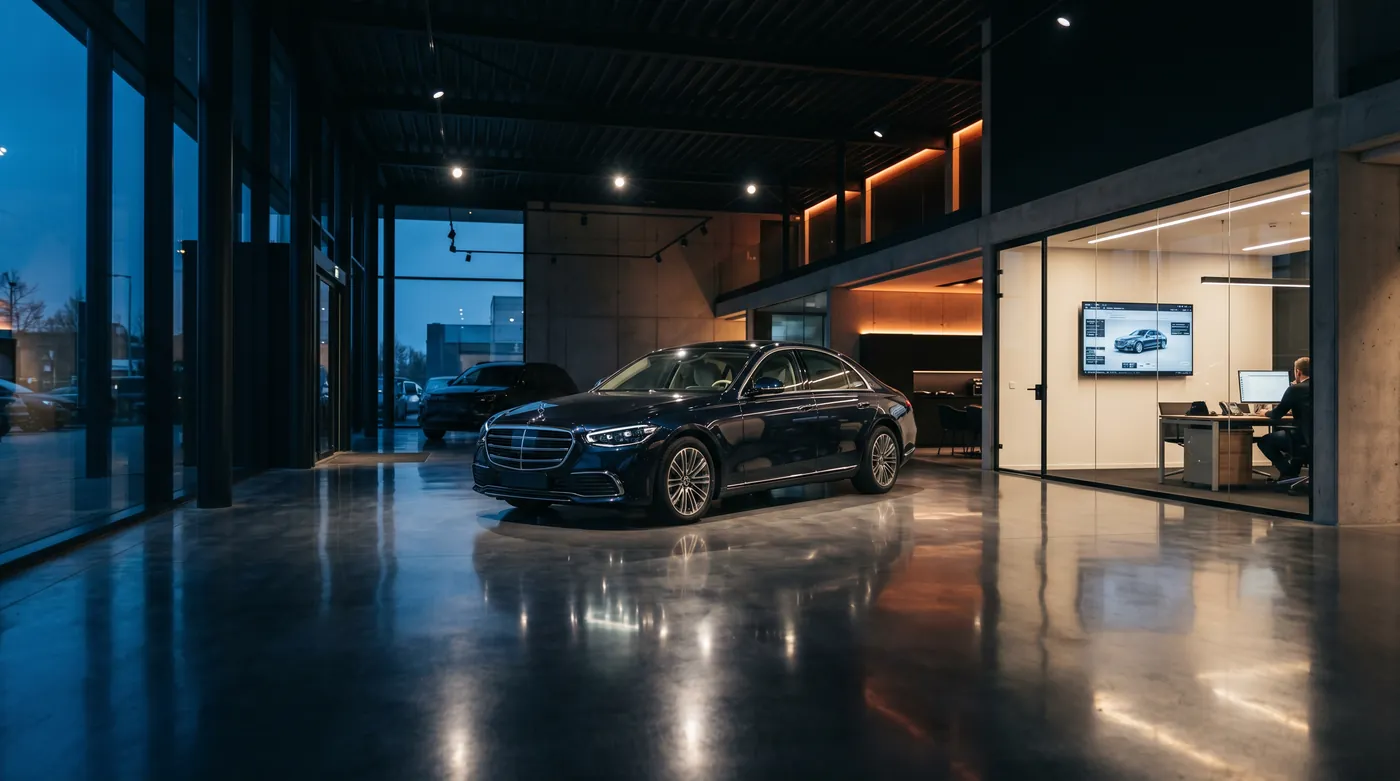
Connect sales tools, the dealer-management system and workshop devices while accounting for vehicle metalwork and different access permissions.
Keep sales and workshop workflows usable
Survey around vehicles and service bays
Isolate guests and diagnostic equipment
How the solution connects
Independent uplinks meet a controlled network boundary. Local access is separated by purpose.
Read the connection map
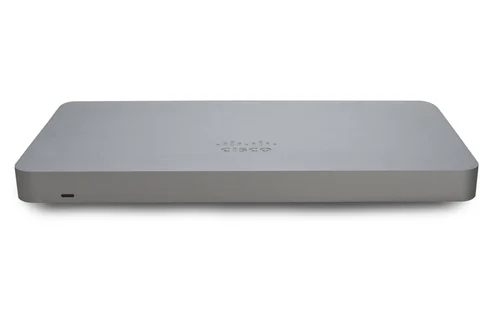
- Dealership internet → MX75 firewall · Primary path
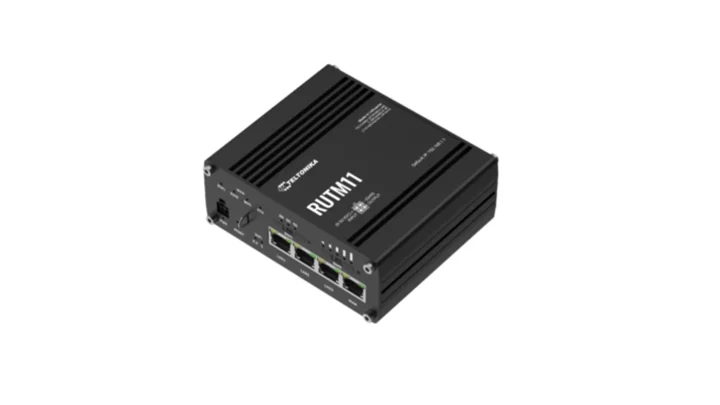
- RUTM11 LTE · backup → MX75 firewall · Alternate WAN
- MX75 firewall → MS130-48P PoE · Policy boundary
- MS130-48P PoE → Showroom + sales tablets · Separate zone
- MS130-48P PoE → Workshop diagnostics · Separate zone
- MS130-48P PoE → Customer guest Wi-Fi · Separate zone
The challenge on the ground
A showroom can be quiet when surveyed and full of vehicles when customers arrive. In the workshop, diagnostic systems may need specific ports, supplier access or wired connections.
Combining all devices on a guest-style WLAN makes application faults harder to isolate and grants more access than many tools require.
Inside the design
Use an MX75 boundary, MS130-48P PoE switching and separately positioned CW9172I APs for showroom and service areas. Keep sales, diagnostics, guest access and management on distinct networks.
Use wired connections for fixed diagnostic stations where their supplier recommends them. RUTM11 LTE supplies backup transport for the priority dealer-management and payment services.
Operating it day to day
Agree supported diagnostic workflows with the vehicle-system supplier before changing firewall rules. Survey the workshop with vehicles and equipment in normal positions.
Schedule large software and map downloads outside busy periods, and restrict them during LTE backup. Keep the guest onboarding process separate from employee and workshop authentication.
What to test before handover
- Run a supported diagnostic workflow in a representative occupied service bay.
- Test DMS and payment access over LTE.
- Check guest isolation from diagnostic and sales devices.
- Walk the showroom using a normal sales tablet while vehicles are present.
Technical references
The bill of materials
One showroom, reception and adjoining indoor service workshop. Quantities below describe the example; your proposal confirms the final equipment and services.
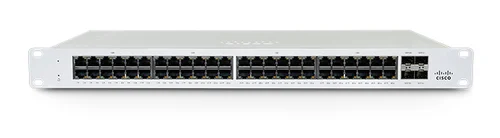
Cisco Meraki MS130-48P Cloud Managed 48-Port PoE Switch
MS130-48PWired and PoE access
View product
Complete the installation
The equipment above is one part of the project. Include these items in the final scope.
- Network subscriptions
- Diagnostic supplier integration
- Carrier SIM, UPS and cabinet
- Structured cabling and RF survey
Questions before you specify
Can diagnostic equipment share guest Wi-Fi?
It should have a dedicated access policy and supported configuration. Guest client isolation and portal behaviour may also prevent diagnostics from working correctly.
Let’s design it for your site.
Send us the details below. We can turn the reference architecture into a scoped design, equipment schedule and quotation.
Start your projectBring these to the first conversation
- 01Showroom/workshop plans
- 02DMS and diagnostic suppliers
- 03Vehicle occupancy and wireless clients
- 04Large-download and backup policies