What actually changed
Wi-Fi 7's headline features are Multi-Link Operation (MLO), 320 MHz channels, and 4K-QAM modulation. MLO is the most operationally significant: a Wi-Fi 7 client can maintain simultaneous connections across two or three bands (2.4/5/6 GHz) and dynamically shift traffic between them, which cuts both latency and the chance of a dropped connection during roaming — a meaningful win for VoIP, video calls, and AR/VR applications, not just raw throughput.
320 MHz channels (double Wi-Fi 6E's 160 MHz maximum) only exist in the 6 GHz band and only deliver their full benefit with very few competing devices per channel — meaning the throughput ceiling is mostly relevant in low-density, high-bandwidth scenarios (a single workstation doing 8K video editing over Wi-Fi) rather than typical office density.
Where the upgrade pays for itself now
High-density venues — conference centres, stadiums, large hotels — benefit immediately from Wi-Fi 7's improved spectral efficiency and MLO's roaming stability, independent of any single client hitting peak throughput. Warehouses and logistics operations using real-time location tracking or AR-assisted picking benefit from MLO's latency consistency. Video-production and creative offices with frequent large file transfers over Wi-Fi see the clearest throughput win.
- High-density public/hospitality venues
- Warehousing with real-time tracking or AR/VR tooling
- Creative/video production offices
- Any new build where the AP refresh cycle is 5+ years — buy for where client devices will be, not where they are today
Where Wi-Fi 6E remains the better buy
Standard office refreshes, small hospitality (under 3-star), and any deployment where the client device fleet is a mix of laptops, phones, and IoT devices from before 2024 won't see Wi-Fi 7's full benefit — many of those clients simply don't support MLO or 320 MHz channels yet. Wi-Fi 6E still delivers a large upgrade over Wi-Fi 5 or non-6E Wi-Fi 6 at a meaningfully lower price point, and remains the pragmatic choice when budget is the binding constraint.
Buying on FUSE
FUSE stocks Wi-Fi 6, Wi-Fi 6E, and Wi-Fi 7 access points from Ubiquiti, Cisco, Aruba, and Ruckus across EU warehouses in Malta, Poland, the Netherlands, and Germany.
Frequently asked questions
Do I need Wi-Fi 7 client devices to benefit from a Wi-Fi 7 AP?
Wi-Fi 7 APs are fully backward compatible with Wi-Fi 6/6E and Wi-Fi 5 clients, which connect at their own standard's speed. You only see Wi-Fi 7's throughput and MLO benefits on Wi-Fi 7-capable client devices, which by 2026 include most flagship phones and laptops released from 2024 onward.
Is Wi-Fi 7 worth it for a small office?
For a small office (under 30 users) with a typical device mix, Wi-Fi 6E usually delivers the better cost-to-benefit ratio today. Wi-Fi 7 is worth the premium if the office does heavy video conferencing, large file transfers, or plans to keep the hardware in service for 5+ years and wants to future-proof against the growing share of Wi-Fi 7 client devices.
Does Wi-Fi 7 require new cabling?
Wi-Fi 7 access points with multi-gig uplinks (2.5/5/10 GbE) benefit from Cat6A cabling on new runs, but will work over existing Cat6 for shorter runs. The AP itself doesn't require new cabling standards beyond what any modern multi-gig access point needs.
What is Multi-Link Operation (MLO) in practical terms?
MLO lets a Wi-Fi 7 client maintain active connections on more than one band simultaneously and shift traffic between them without a full re-association. In practice this means fewer dropped video calls during roaming and more consistent latency for real-time applications, independent of raw throughput gains.
How much more expensive is Wi-Fi 7 hardware than Wi-Fi 6E?
As of 2026, the premium has narrowed to roughly 15–30% over comparable Wi-Fi 6E access points, down from 50–60% at Wi-Fi 7's 2024 launch. Entry-level Wi-Fi 7 APs are now priced close to mid-tier Wi-Fi 6E models.
Where can I buy Wi-Fi 6E or Wi-Fi 7 access points in the EU?
FUSE stocks Wi-Fi 6, Wi-Fi 6E, and Wi-Fi 7 access points from Ubiquiti, Cisco, Aruba, and Ruckus across EU warehouses in Malta, Poland, the Netherlands, and Germany, with trade pricing for resellers and integrators.
Buy networking equipment on FUSE
Multi-warehouse EU stock from Malta, Poland, Netherlands, and Germany — with EU-resident technical support and trade pricing for resellers, integrators, and MSPs.
Shop the category
Live pricing and stock for the hardware compared above.
Buy the hardware in this article
Live FUSE pricing and stock for the hardware compared above.
 TP-LINK
TP-LINK Omada 7 UR - BE5000 5-Stream Ceiling Mount Dual-Band Wi-Fi 7 Access Point | EAP727 | 2.4 GHz, 5 GHz | 802.11ax | 10/100/1000/2500 Mbit/s | Ethernet LAN (RJ-45) ports 1 | MU-MiMO No | PoE+
EAP727€180.75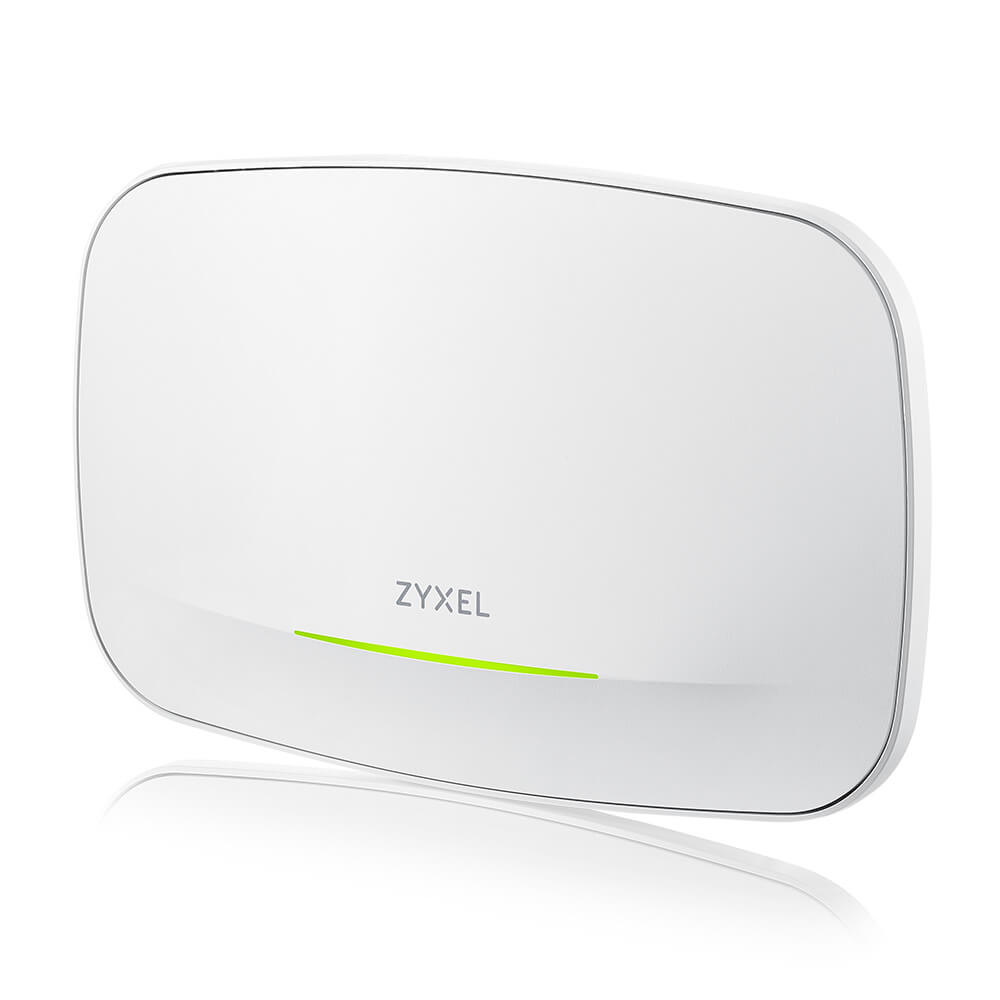 Zyxel
ZyxelZyxel Wireless AP WIFI7 • BE6500 • 4x4 • Indoor • 1x 2.5 GbE PoE At • WBE510D • StandA/NebulaFlex/Controller • Connect Protect
WBE510D-EU0201F€328.50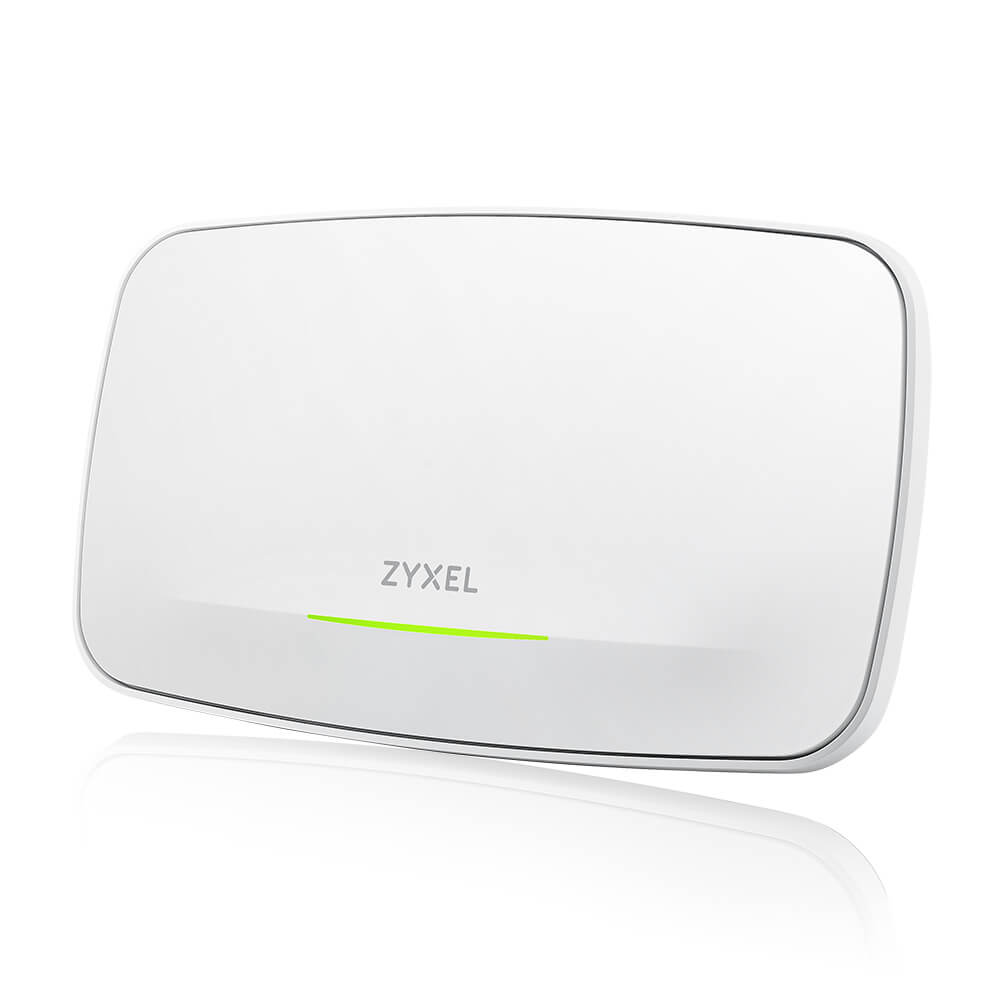 Unknown
Zyxel Wireless AP WIFI7 • BE22000 • 4x4 • Indoor • 1x 10 GbE 1x 1 GbE PoE Bt • WBE660S • NebulaFlex/Controller • Connect Protect
WBE660S-EU0201F€728.20HPE
HPE Aruba Networking AP-735 (RW) Tri Radio 2x2 Wi-Fi 7 Internal Antennas 5-pack Campus Access Point
S0H12A€8,742.01 TP-Link
TP-Link Omada BE3600 Ceiling Mount Wi-Fi 7 Access Point
EAP723€126.80 TP-Link
TP-Link Omada BE9300 Ceiling Mount Tri-Band Wi-Fi 7 Access Point
EAP773€316.48