A clinic network built around clinical continuity
Connect consultation rooms, clinical devices and patient Wi-Fi while protecting access to records and giving staff a tested route through an internet outage.
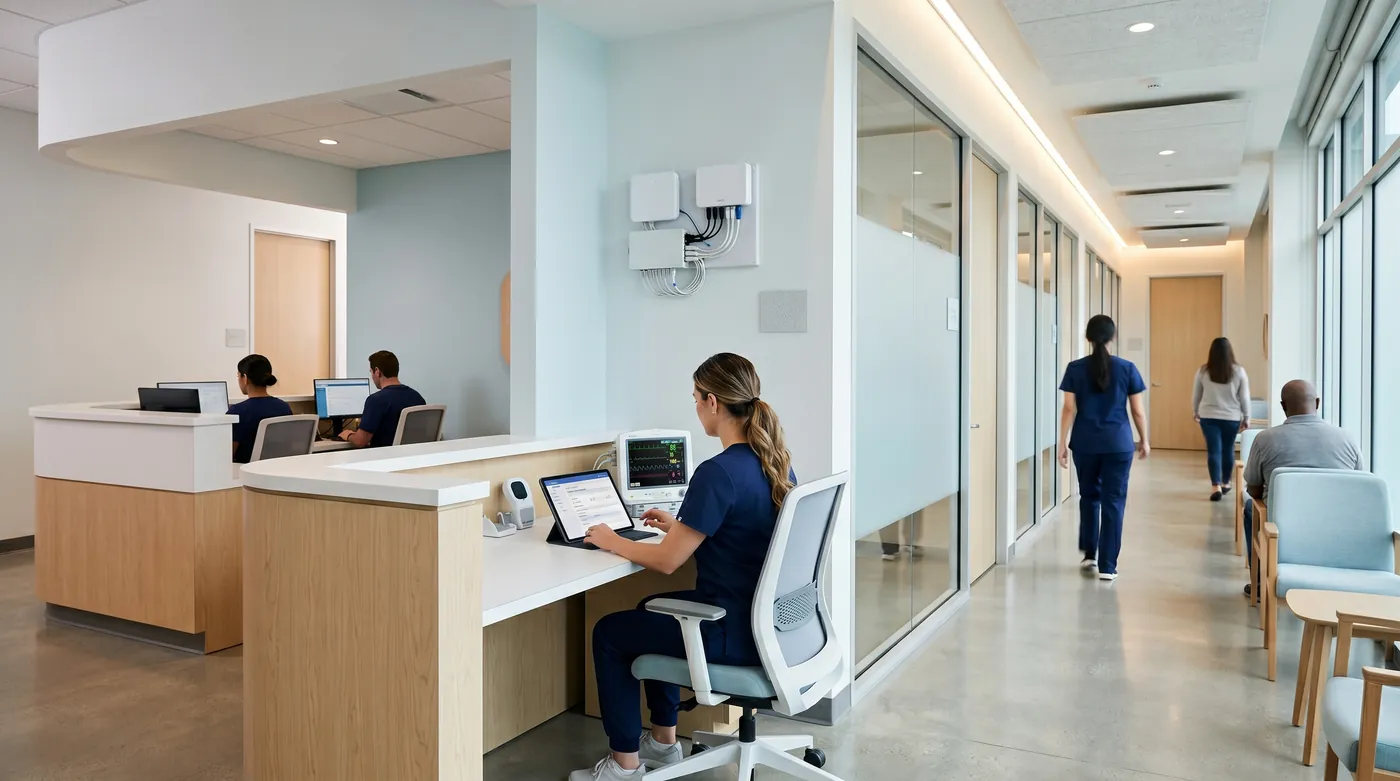
Keep clinical and patient traffic separate
Test access to essential records on backup
Make device and recovery ownership explicit
How the solution connects
Independent uplinks meet a controlled network boundary. Local access is separated by purpose.
Read the connection map
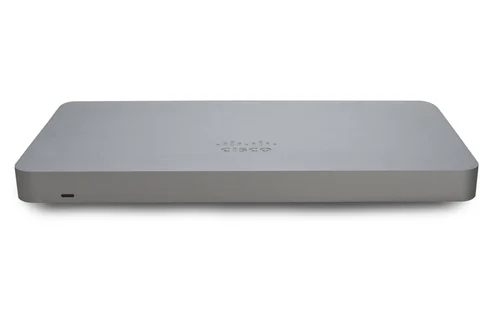
- Clinic internet → MX75 firewall · Primary path
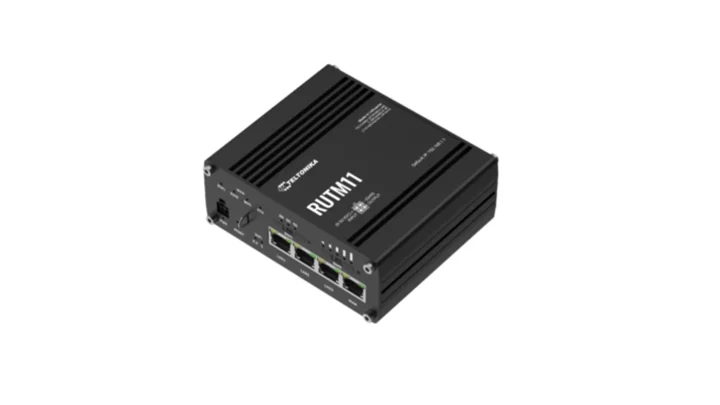
- RUTM11 LTE · backup → MX75 firewall · Alternate WAN
- MX75 firewall → Catalyst access switch · Policy boundary
- Catalyst access switch → Clinical devices · Separate zone
- Catalyst access switch → Reception + clinicians · Separate zone
- Catalyst access switch → Patient Wi-Fi · Separate zone
The challenge on the ground
Clinics mix managed computers with diagnostic devices that may have long service lives and limited security options. A flat network lets patient Wi-Fi and general office traffic sit too close to clinical systems.
A second internet circuit is useful only if authentication, DNS and the clinical application work over it when the primary link fails.
Inside the design
Place an MX75 at the internet boundary and use a Catalyst C9200L PoE access switch for wired ports and indoor CW9172I APs. Divide reception, clinical devices, administration, patients and management into documented access zones.
Apply wired identity controls only where the clinical device and authentication service support them; use a tightly scoped exception process for devices that cannot authenticate. Connect RUTM11 LTE to the secondary WAN for essential external services.
Operating it day to day
Agree recovery priorities with the clinical application provider: booking, records, prescribing and access to locally held files may depend on different services. Backup design must include restore access and the credentials needed when normal identity services are unavailable.
Keep a device register with an owner, permitted destinations and maintenance window. This is a technical reference design, not a claim that selecting particular hardware establishes HIPAA or other regulatory compliance.
What to test before handover
- Test patient-network isolation against every clinical subnet.
- Confirm a sample clinical device works with its documented port policy.
- Run an agreed non-production clinical workflow over LTE.
- Restore a representative file or workload and record who authorises return to service.
Technical references
The bill of materials
Example small clinic with reception, four consultation rooms and a local server or hosted clinical application. Quantities below describe the example; your proposal confirms the final equipment and services.
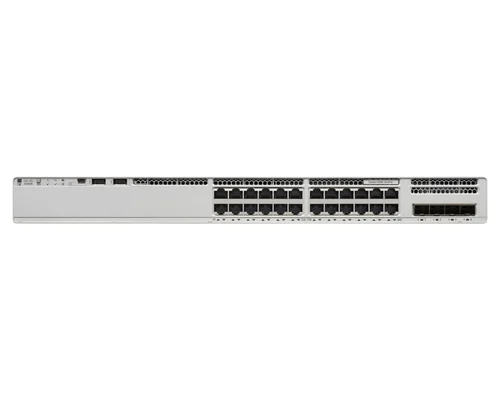
Cisco Catalyst C9200L-24P-4G-E switch
C9200L-24P-4G-EWired clinical access
Authentication service and device exceptions are separately scoped.
View product
Complete the installation
The equipment above is one part of the project. Include these items in the final scope.
- Network subscriptions and authentication services
- Acronis or application-native backup matched to workloads
- UPS, cabling and LTE plan
- Clinical application provider acceptance testing
Questions before you specify
Does this design make the clinic compliant?
No product list establishes compliance. Access policy, contracts, risk assessment, operating procedures and the applicable jurisdiction must be assessed alongside the technical controls.
Can every medical device use 802.1X?
No. Validate each device with its supplier and isolate documented exceptions rather than enabling an authentication mode that disrupts care.
Let’s design it for your site.
Send us the details below. We can turn the reference architecture into a scoped design, equipment schedule and quotation.
Start your projectBring these to the first conversation
- 01Clinical application and device inventory
- 02Identity provider and remote-support arrangements
- 03Recovery objectives
- 04Patient Wi-Fi and retention policies