
IP cameras

656 products listed

An IP camera is a network device first and a camera second: it takes power and data over one Ethernet run, records to an NVR or to storage on the network, and is configured like any other addressed device on the site. That is why the specification conversation is usually about resolution, lens choice, light performance and power budget rather than about the camera body itself.

This page lists the professional lines we stock and order. Consumer and smart-home cameras appear further down — they are perfectly good in a house, but they are not what a site with a comms room, a recorder and a retention policy should be built on.

IP cameras in stock and on order

Browse the full Security & Surveillance category

How to choose ip cameras

Pick the body for the view, not the price list

Camera form factor decides what you can actually see, and it is the one thing that cannot be fixed in configuration afterwards.

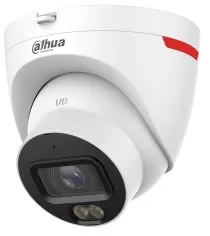
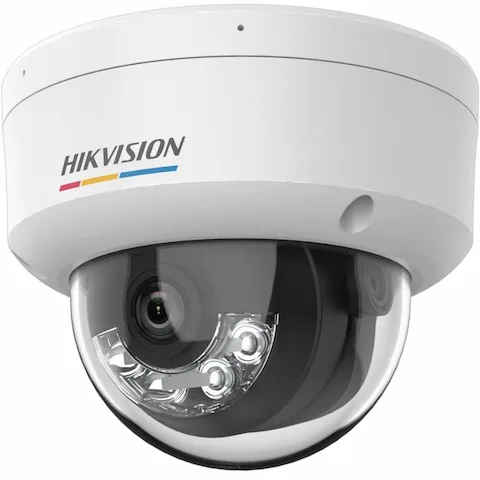
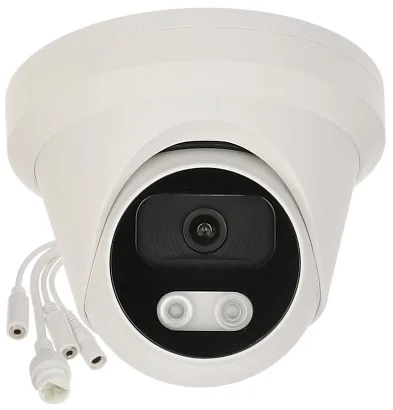
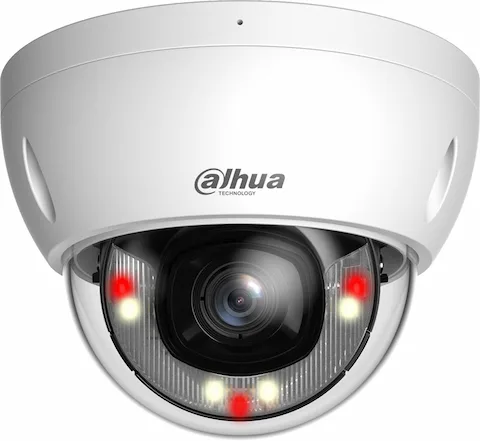
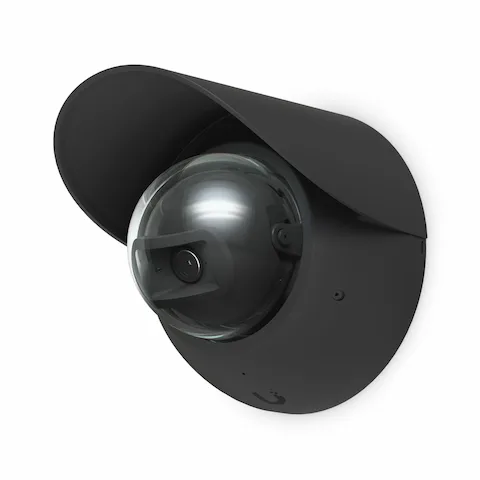
  • Dome — discreet, vandal resistant, good for indoor ceilings and entrances where the camera should not be the first thing you notice.
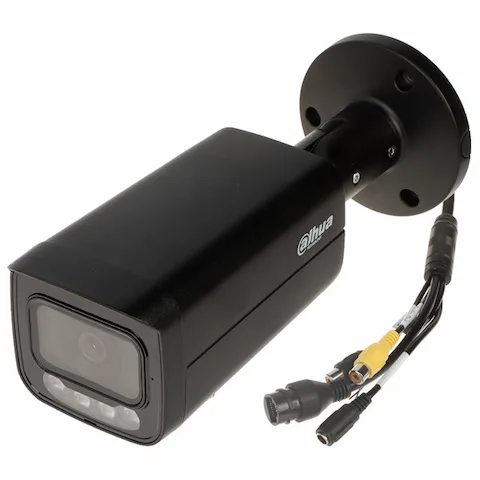
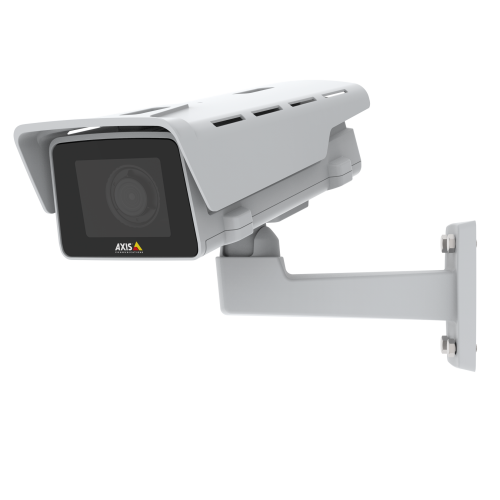
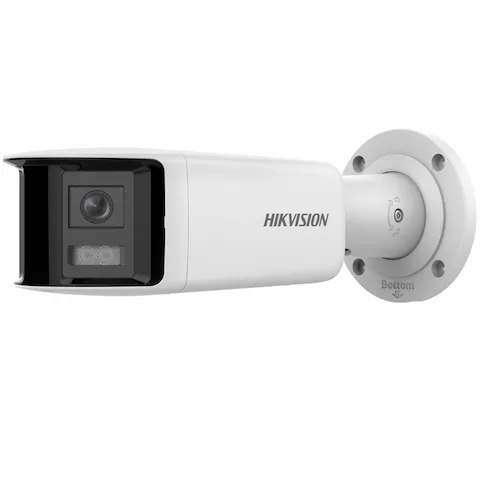
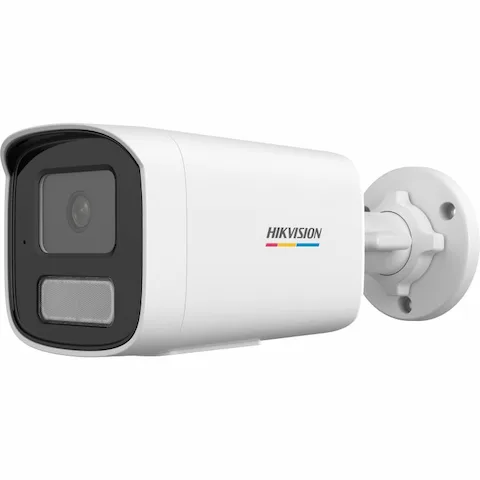
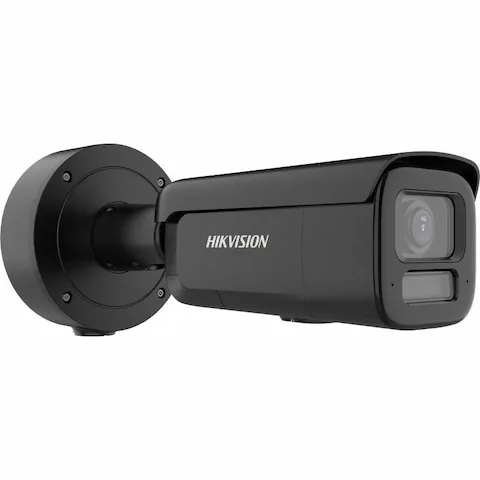
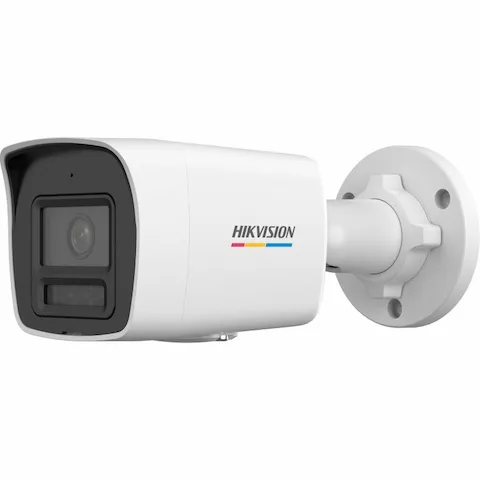
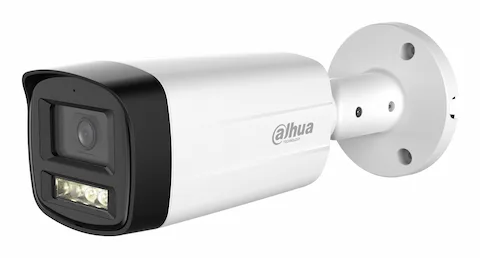
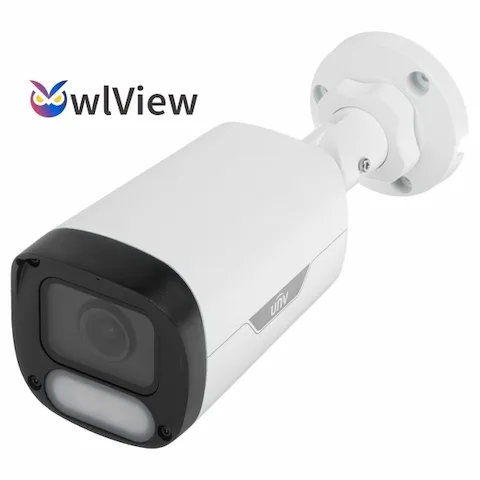
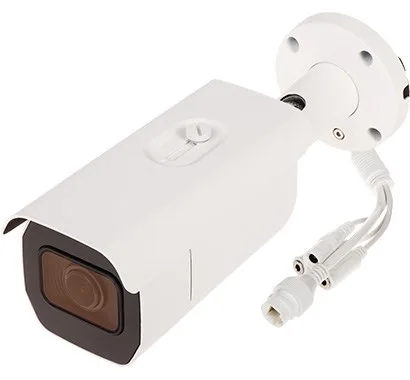
  • Bullet — obvious by design, longer lenses, better for perimeters, car parks and deterrence.
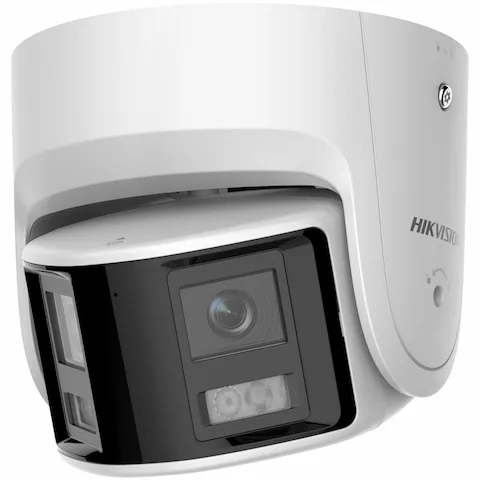
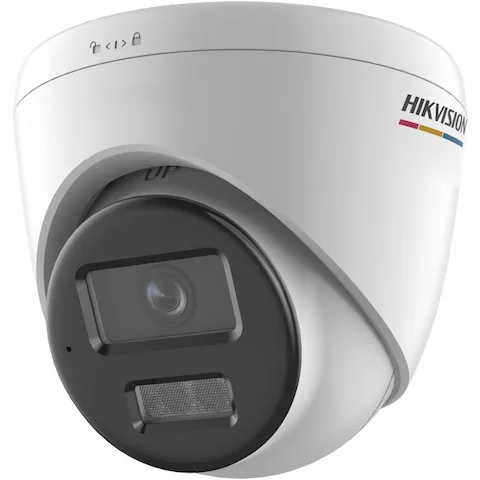
  • Turret (eyeball) — dome housing without the dome bubble, which removes internal IR reflection at night; a common default for mixed indoor/outdoor sites.
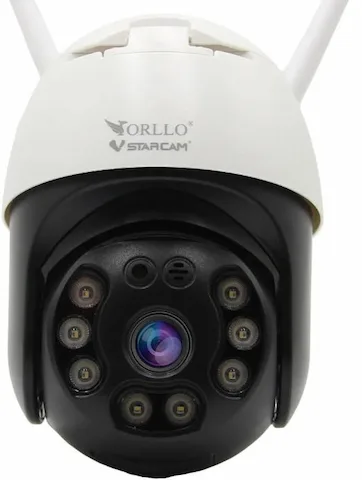
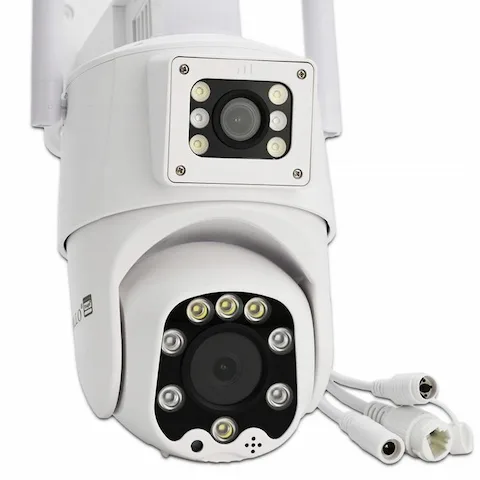
  • PTZ — one camera covering a large area under operator or tour control. See the PTZ page for where they earn their cost.

Resolution is a lens decision, not a megapixel race

What matters is pixels on target at the distance you care about, so a 4 MP camera with the right lens beats an 8 MP camera pointed at everything. Higher resolution also multiplies storage and bandwidth: doubling resolution roughly doubles what the recorder has to write and keep for the retention period you promised.

Budget the PoE, not just the switch

Cameras are the biggest driver of PoE budget on most sites. A fixed indoor camera usually sits inside 802.3af (up to 15.4 W), but IR illuminators, heaters and wipers push outdoor units into 802.3at, and a large PTZ can need 802.3bt. Add the real per-camera draw, then leave 20–30% headroom on the switch's total budget for the cameras that get added after handover.

  • Fixed indoor dome/turret — 802.3af is normally enough.
  • Outdoor with IR, heater or wiper — specify 802.3at (PoE+).
  • PTZ and multi-sensor units — check the datasheet; many need 802.3bt (PoE++).

Night performance and the recorder

Infrared range figures on a datasheet are measured in ideal conditions; in practice, low-light sensor performance and white-light or hybrid illumination matter more for usable colour identification at night. Confirm too that the camera's codec and stream profile are supported by the recorder you plan to use — ONVIF compatibility gets you a picture, but vendor integration is what gets you analytics, motion metadata and firmware management.

IP cameras — frequently asked questions

Do IP cameras need a separate power supply?
Almost never on a professional install. Nearly all of them take Power over Ethernet, so one cable carries both power and data back to a PoE switch or the recorder's built-in PoE ports.
How much PoE budget do I need for a camera system?
Add the per-camera draw from each datasheet and add 20–30% headroom. As a planning figure, fixed indoor cameras sit around 5–12 W, outdoor cameras with IR and heaters around 15–25 W, and PTZ units 30–60 W or more.
Can I mix camera brands on one recorder?
Usually yes over ONVIF, but you lose vendor-specific analytics, event metadata and central firmware management. Mixing is a sensible way to extend an existing system, not a good way to design a new one.
What resolution should I specify?
Work back from pixels on target: identification needs far more pixels per metre than simple detection. In most retail and office installs 4 MP with a correctly chosen lens is a better outcome than 8 MP wide.

Read before you buy