
The lineup at a glance
Cisco's current Catalyst Wireless access points are unified hardware: the same access point can be managed from the Meraki cloud dashboard or run against an on-premises Catalyst wireless controller. That single decision — cloud-managed or controller-based — shapes licensing, features, and which ordering variant you should buy, so settle it before comparing models.
Within the family, the models separate cleanly by role:
- CW9176I — the Wi-Fi 7 flagship: tri-band (2.4, 5 and 6 GHz), up to 18,000 Mbit/s aggregate, multi-gigabit Ethernet up to 10G, PoE-powered
- CW9176D1 — the same generation in a directional-antenna variant for aisles, corridors and high-ceiling spaces
- CW9178I — the high-density model for large venues, lecture theatres and conference space
- CW9172I — the entry Wi-Fi 7 model: tri-band, up to 9,000 Mbit/s, multi-gig Ethernet up to 5G, PoE-powered
- CW9164I / CW9166I — the Wi-Fi 6E generation, still current where 6 GHz matters but Wi-Fi 7 features don't justify the premium
- CW9800M — the appliance controller for Catalyst-mode (on-premises) deployments at campus scale
CW9176I: the flagship, and what its datasheet actually says
The CW9176I is the model most buyers search for, and the headline numbers from its specification are straightforward. It is a tri-band access point operating on 2.4 GHz, 5 GHz and 6 GHz simultaneously, with a maximum aggregate data rate of 18,000 Mbit/s across the radios. Security support covers WPA3-Enterprise and WPA3-Personal alongside WPA2 modes for legacy clients.
The wired side is the part that catches deployments out: the CW9176I uplinks at 100 Mbit/s up to 10 Gbit/s multi-gigabit Ethernet and is powered over that same cable via PoE. An access point capable of multi-gigabit throughput pinned to a 1G switch port on Cat5e cabling will never show its value — plan the switching and cabling budget with the access-point budget, not after it. Our <a href="/guides/access-point-deployment-guide">access-point deployment guide</a> covers PoE budgeting and 6 GHz channel planning in detail.
For full radio-level detail — antenna patterns, exact power-draw figures per PoE class, and regulatory specifics per EU domain — request the official Cisco datasheet with your quote; the figures above are the catalogue-level specification FUSE lists the product under.
CW9178I and CW9172I: the high-density and entry models
The CW9178I sits above the CW9176I for spaces where client count, not per-client speed, is the constraint: it is built for high-density environments — large open offices, education, event and conference space — with 6 GHz support, 4x4 MU-MIMO up and down, and OFDMA scheduling to keep airtime fair when hundreds of clients associate.
The CW9172I is the sensible default for standard offices. It keeps the tri-band radio set and WPA3 security of its bigger siblings with a maximum aggregate rate of 9,000 Mbit/s and multi-gigabit Ethernet up to 5 Gbit/s, PoE-powered. For a typical office refit where each AP serves tens rather than hundreds of clients, the CW9172I delivers the Wi-Fi 7 feature set at a materially lower per-AP cost.
The CW9176D1 is the directional variant of the flagship — the model to shortlist for warehouse aisles, long corridors and high-mount positions where an omnidirectional ceiling AP wastes half its energy heating the roof.
RTG and CFG: the ordering variants explained
You will see the same access point listed under more than one orderable SKU — CW9176I-RTG and CW9178I-CFG, for example. These are ordering variants of the same hardware platform, not different devices; they exist because the unified hardware can be shipped set up for different management modes and bundling.
The practical guidance: decide your management mode first (Meraki dashboard or Catalyst controller), then confirm with your supplier that the variant you are ordering matches it, along with the regulatory domain for your country. This is a one-line question on a quote and it prevents the most common ordering mistake in this family. FUSE lists the variants stocked by our distribution partners on each product page.
Management: Meraki cloud or a CW9800M controller
Cloud-managed via the Meraki dashboard is the default answer for most SMB and multi-site deployments: no controller hardware, licensing per AP, and a management plane your MSP can operate from anywhere. The trade-off is an ongoing subscription and dependence on the dashboard for configuration.
Controller-based Catalyst mode is the answer for large campuses, environments with strict data-locality requirements, and organisations already operating Catalyst wireless. That is where the CW9800M fits: it is the appliance controller for this generation, managing Catalyst Wireless access points on-premises at campus scale. Controller sizing, licence counts and high-availability pairing are deployment-specific — scope them with your reseller before committing to hardware.
When Wi-Fi 6E still makes sense: CW9164I and CW9166I
Wi-Fi 7's headline features — 320 MHz channels, 4096-QAM, Multi-Link Operation — need Wi-Fi 7 clients to matter. If your device fleet is laptops and phones refreshed on a 4–5 year cycle, a Wi-Fi 6E deployment today still delivers the big win (clean 6 GHz spectrum) at a lower price point.
The CW9164I is a tri-band Wi-Fi 6E access point with a 4x4 MIMO configuration, positioned for demanding environments that don't need the Wi-Fi 7 premium. The CW9166I steps up within the Wi-Fi 6E generation for high-density use. Both remain current, orderable models — and both are managed the same unified way as the Wi-Fi 7 family, so a mixed estate stays operable from one dashboard or controller.
Buying Cisco wireless in Malta and the EU
FUSE is an authorised Cisco reseller supplying Malta and the wider EU. Every model in this guide is listed on the marketplace with live availability from our distribution partners — see the <a href="/brands/cisco">Cisco brand page</a> for the full range, or the product pages linked below for the specific access points covered here.
For project deployments — an office refit, a hotel, a campus — request a quote rather than ordering line items: quantity pricing, the correct ordering variants for your management mode, PoE switching to power the estate, and licensing can be scoped in one pass. Business accounts get business pricing and NET payment terms.
Frequently asked questions
Is the Cisco CW9176I a Wi-Fi 7 access point?
+
Yes. The CW9176I is the flagship of Cisco's Wi-Fi 7 Catalyst Wireless generation — a tri-band (2.4, 5 and 6 GHz) access point rated up to 18,000 Mbit/s aggregate with multi-gigabit Ethernet up to 10G and PoE power.
What is the difference between the CW9176I and CW9178I?
+
The CW9176I is the flagship for general enterprise deployment; the CW9178I is the high-density model, built for large venues and education with 4x4 MU-MIMO and OFDMA to handle very high client counts. Most offices are better served by the CW9176I or the entry CW9172I.
What does the -RTG or -CFG suffix on Cisco access point SKUs mean?
+
They are ordering variants of the same hardware platform, shipped for different management setups. Decide whether you are deploying Meraki cloud-managed or Catalyst controller-based first, then confirm the correct variant and regulatory domain with your supplier when ordering.
Does the CW9176I need a wireless controller?
+
No — Catalyst Wireless access points are unified hardware that can run cloud-managed from the Meraki dashboard with no on-site controller. A controller such as the CW9800M is only needed if you choose on-premises Catalyst mode, typically at campus scale or where data-locality rules apply.
Where can I get the CW9176I datasheet?
+
Cisco publishes the full datasheet, and the FUSE product page lists the catalogue-level specification. Request a quote and the FUSE team will include the current official datasheet and confirm regulatory-domain and PoE details for your deployment.
Should I buy Wi-Fi 7 or stay on Wi-Fi 6E in 2026?
+
New builds and refits with a modern client fleet should spec Wi-Fi 7 — the CW9172I makes the entry point affordable. If your devices are mostly pre-2024 and budgets are tight, the Wi-Fi 6E CW9164I and CW9166I still deliver clean 6 GHz spectrum at a lower cost, and are managed identically.
Can FUSE supply Cisco access points to Malta and the rest of the EU?
+
Yes. FUSE is an authorised Cisco reseller supplying Malta and the EU, with live availability from distribution partners, business pricing for verified business accounts, and project quotes covering access points, PoE switching and licensing together.
Browse Cisco Wireless Access Points on FUSE
Multi-warehouse EU stock from Malta, Poland, Netherlands, and Germany — with EU-resident technical support and ETSI-compliant regulatory-domain hardware.
Primary sources
Technical and regulatory claims in this guide are checked against these first-party references. Product availability and regional variants should still be confirmed before ordering.
Shop the category
Live pricing and stock for the hardware covered in this guide.
Buy the hardware in this article
Live FUSE pricing and stock for the hardware covered in this guide.
 Unknown
RUCKUS Networks Wireless Ap • Wifi7 • 2x2 • Indoor • R575 • Beamflex
901-R575-WW00€1,086.57 Unknown
Grandstream GWN7673 Wi-Fi 7 Access Point 2x2:2
GWN7673€125.50 Unknown
Grandstream GWN7672L Wi-Fi 7 Access Point 2x2:2
GWN7672L€169.34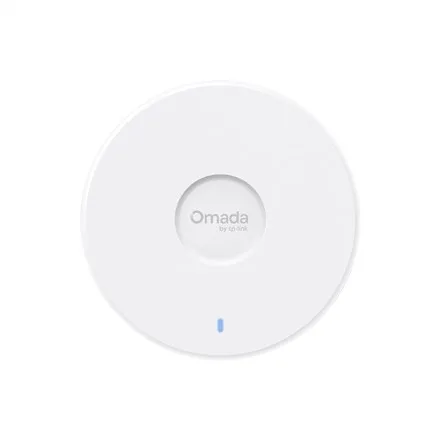 TP-LINK
TP-LINK Omada 7 UR - BE5000 5-Stream Ceiling Mount Dual-Band Wi-Fi 7 Access Point | EAP727 | 2.4 GHz, 5 GHz | 802.11ax | 10/100/1000/2500 Mbit/s | Ethernet LAN (RJ-45) ports 1 | MU-MiMO No | PoE+
EAP727€180.26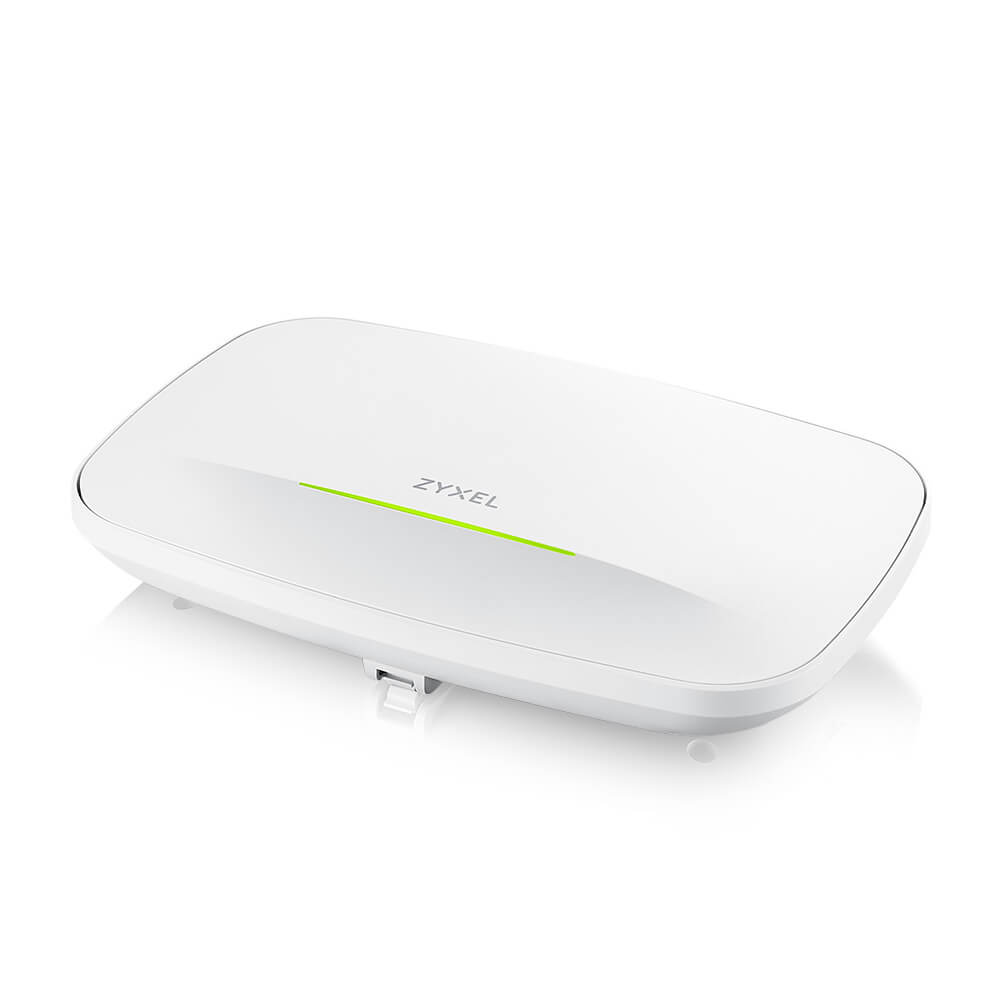 Unknown
Zyxel Wireless AP WIFI7 • BE12300 • 2x2 • Indoor • 2x 2.5 GbE PoE At • WBE630S • StandA/NebulaFlex/Controller • Connect Protect
WBE630S-EU0201F€470.86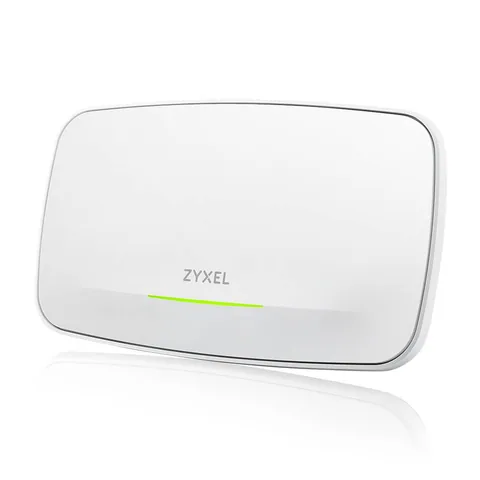 Unknown
Zyxel Wireless AP WIFI7 • BE22000 • 4x4 • Indoor • 1x 10 GbE 1x 1 GbE PoE Bt • WBE660S • NebulaFlex/Controller • Connect Protect
WBE660S-EU0201F€728.20