
What the Ubiquiti U7 Pro is for
The U7 Pro is a tri-band UniFi WiFi 7 access point designed for indoor ceiling or wall mounting. Ubiquiti lists six spatial streams, a 2.5 GbE wired uplink, PoE+ power and a coverage guideline of 140 m², with support for 300+ connected clients. Those are planning inputs, not a promise that one AP can serve every floor plan: wall construction, ceiling height, client mix, interference and the applications in use determine the right AP count.
It is a strong starting point for an office floor, restaurant, boutique hotel, classroom cluster or retail site that needs a modern client experience without jumping straight to a high-density specialist model. The value is not simply the WiFi 7 label. The 6 GHz radio gives compatible clients additional clean spectrum, while the multi-gig uplink avoids turning a fast radio into a 1 GbE bottleneck.
For the underlying specification and current regulatory detail, see Ubiquiti's <a href="https://techspecs.ui.com/unifi/wifi/u7-pro?s=eu">U7 Pro EU technical specifications</a>. FUSE can confirm the orderable regional variant, stock position and compatible power equipment before purchase.
- WiFi 7, tri-band 2.4 / 5 / 6 GHz radio design
- Six spatial streams across the three radios
- One 1 / 2.5 GbE RJ45 uplink
- PoE+ power; Ubiquiti lists maximum consumption of 21 W
- Ceiling or wall mounting with the Pro Mount included
- Quoted 140 m² coverage guideline and 300+ client capacity
The wired network matters as much as the access point
A U7 Pro can negotiate at 2.5 GbE, so it deserves a switch port and cabling run that can do the same. Installing it on a 1 GbE-only access switch will still provide Wi-Fi, but constrains the total traffic shared by connected users. For a new install, specify multi-gig capable switch ports and validate the permanent link with the cabling contractor.
Power is the other non-negotiable. The U7 Pro uses PoE+; work from the published maximum 21 W when calculating the switch power budget, then leave headroom for startup and for the rest of the access layer. A switch can have enough PoE+ ports while still lacking enough aggregate watts for the intended AP count.
The <a href="/guides/access-point-deployment-guide">FUSE access-point deployment guide</a> covers survey, channel planning and PoE budgeting in more detail. For multi-AP deployments, request a quote with the APs, switching, optics or copper accessories and mounts together so the design is checked as a system.
- Use a 2.5 GbE capable switch port where throughput demand justifies it
- Budget PoE+ against the published 21 W maximum per U7 Pro
- Confirm cable category, link test results and switch uplink capacity
- Plan VLANs, guest isolation and management access before installation
WiFi 7 and 6 GHz: the practical buying case
WiFi 7 brings features such as wider channels and newer modulation, but clients need compatible hardware before they benefit fully. The immediate, practical gain for many sites is the additional 6 GHz spectrum available to compatible clients. It can reduce contention in dense 5 GHz environments, provided the country, software version and deployment type support it.
Do not treat 6 GHz as identical in every country or installation. Ubiquiti publishes a live list of <a href="https://help.ui.com/hc/en-us/articles/8691786444567-Regions-Supporting-6-GHz">regions supporting 6 GHz</a>, including country-specific indoor and outdoor conditions. Confirm the regulatory domain for Malta or the destination country and keep UniFi Network and AP firmware at the required versions before making 6 GHz a project requirement.
A WiFi 6 or WiFi 6E estate does not become obsolete overnight. If the client fleet is mostly older laptops, phones, scanners and IoT devices, coverage design and roaming quality often matter more than the generation printed on the AP. Choose U7 Pro where the refresh cycle, expected life of the installation and multi-gig access layer make WiFi 7 a sensible investment.
U7 Pro vs U7 Pro Max, Pro Wall, Long-Range and Outdoor
The correct U7 model follows the space and network design, not the highest specification on a comparison chart. The standard U7 Pro is the general ceiling AP. The U7 Pro Max is the model to consider for denser indoor spaces and projects that need a more capable high-density option. The U7 Pro Wall is the practical fit where a wall-mounted form factor is required, such as rooms, corridors or retrofit positions.
For coverage-led installs, shortlist the U7 Long-Range only after a survey: extra reach is useful where the RF path supports it, but it is not a substitute for enough APs in a high-capacity office. Outdoor requirements need an outdoor-rated model such as the U7 Pro Outdoor or U7 Outdoor, together with the correct mounting, weatherproofing and local 6 GHz compliance checks.
Ubiquiti's current flagship comparison is useful for deciding between the U7 Pro, Pro Max and newer higher-throughput models. FUSE can scope the product mix against floor plans, client density and the existing UniFi gateway and switching estate.
- U7 Pro — general indoor WiFi 7 ceiling or wall deployment
- U7 Pro Max — higher-density indoor environments
- U7 Pro Wall — rooms and retrofit wall-mount locations
- U7 Long-Range — coverage-led indoor design after a survey
- U7 Pro Outdoor / U7 Outdoor — outdoor-rated deployment with regional checks
A deployment checklist before ordering
Start with a short discovery: usable floor area, wall and ceiling material, number and type of active clients, real-time traffic such as voice or video, existing cable runs, switch model, PoE budget and whether guest access is required. That avoids the common mistake of ordering APs before deciding how they will be powered, wired and managed.
UniFi management is part of the design. Confirm the UniFi Network version, the management host or gateway, adopted-site ownership, VLAN plan, guest policy and firmware rollout process. A technically capable AP still gives a poor user experience when roaming, DHCP scope, RF settings or uplinks are under-designed.
For a business purchase, FUSE can quote U7 Pro hardware alongside compatible UniFi switching, PoE injectors where appropriate, mounts and deployment support. The goal is a working network, not a box count.
- Validate 6 GHz regulatory support for the deployment country
- Survey the site and estimate AP density from capacity as well as coverage
- Check 2.5 GbE ports, PoE+ wattage and cabling before ordering
- Define SSIDs, VLANs, guest isolation and management ownership
- Confirm mounting method and any fire, ceiling or weatherproofing requirements
Buying Ubiquiti U7 Pro products from FUSE
FUSE lists the <a href="/product/detail/U7-PRO">Ubiquiti U7 Pro</a> and related UniFi WiFi 7 models with live marketplace availability. Product availability can vary by regional SKU, so request a quote for project quantities or a multi-site rollout. That lets the team check stock, correct regional hardware, compatible PoE switching and delivery requirements together.
If you are replacing an older UniFi estate, include the existing gateway, controller, switch model and number of APs in the request. That context determines whether the first upgrade should be the wireless layer, the access switch, the gateway uplink or a staged combination.
Frequently asked questions
Is the Ubiquiti U7 Pro a WiFi 7 access point?
+
Yes. The U7 Pro is a tri-band UniFi WiFi 7 access point with 2.4, 5 and 6 GHz radios and six spatial streams.
Does U7 Pro need a 2.5 GbE switch port?
+
It will work on a 1 GbE port, but the U7 Pro has a 1 / 2.5 GbE uplink. A 2.5 GbE-capable port avoids a 1 GbE wired bottleneck where many active clients or high-throughput WiFi 7 clients share the AP.
What power does the U7 Pro require?
+
Ubiquiti specifies PoE+ power and a maximum consumption of 21 W. Check both the PoE standard and the total wattage budget on the switch before deploying multiple APs.
How much area does a U7 Pro cover?
+
Ubiquiti lists a 140 m² coverage guideline. Actual AP count depends on construction, ceiling height, interference, client density and the applications in use, so use a survey for any business-critical deployment.
Is 6 GHz available with U7 Pro in Malta and the EU?
+
Availability is regulatory-domain and software-version dependent. Check Ubiquiti's current supported-country list for the deployment country and confirm the regional SKU before ordering.
Should I choose U7 Pro or U7 Pro Max?
+
Use U7 Pro as the general indoor WiFi 7 choice. Consider U7 Pro Max for higher-density environments after comparing expected clients, radio capacity, switching and budget. A survey is more reliable than choosing solely on a headline specification.
Can FUSE supply Ubiquiti U7 Pro for a project deployment?
+
Yes. FUSE can quote U7 Pro access points with compatible UniFi switches, PoE equipment, mounts and project quantities for Malta and wider EU deployments.
Browse Ubiquiti Wireless Access Points on FUSE
Multi-warehouse EU stock from Malta, Poland, Netherlands, and Germany — with EU-resident technical support and ETSI-compliant regulatory-domain hardware.
Primary sources
Technical and regulatory claims in this guide are checked against these first-party references. Product availability and regional variants should still be confirmed before ordering.
Shop the category
Live pricing and stock for the hardware covered in this guide.
Buy the hardware in this article
Live FUSE pricing and stock for the hardware covered in this guide.
 Unknown
RUCKUS Networks Wireless Ap • Wifi7 • 2x2 • Indoor • R575 • Beamflex
901-R575-WW00€1,086.57 Unknown
Grandstream GWN7673 Wi-Fi 7 Access Point 2x2:2
GWN7673€125.50 Unknown
Grandstream GWN7672L Wi-Fi 7 Access Point 2x2:2
GWN7672L€169.34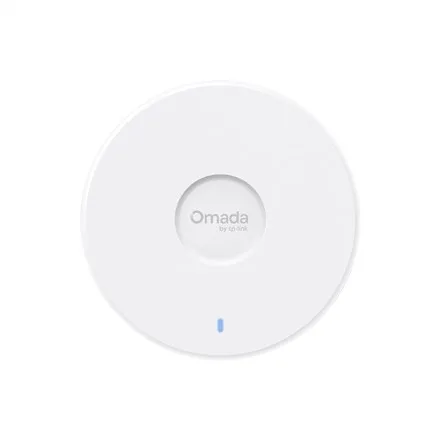 TP-LINK
TP-LINK Omada 7 UR - BE5000 5-Stream Ceiling Mount Dual-Band Wi-Fi 7 Access Point | EAP727 | 2.4 GHz, 5 GHz | 802.11ax | 10/100/1000/2500 Mbit/s | Ethernet LAN (RJ-45) ports 1 | MU-MiMO No | PoE+
EAP727€180.26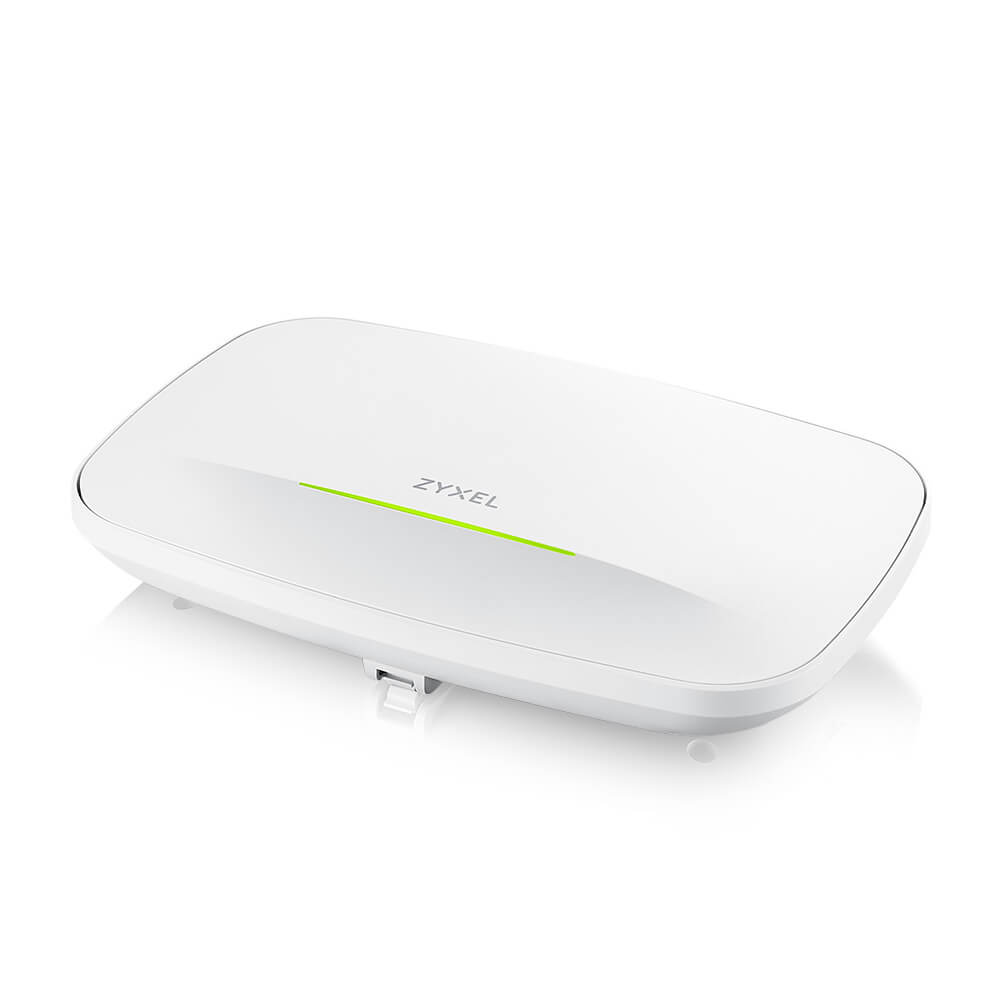 Unknown
Zyxel Wireless AP WIFI7 • BE12300 • 2x2 • Indoor • 2x 2.5 GbE PoE At • WBE630S • StandA/NebulaFlex/Controller • Connect Protect
WBE630S-EU0201F€470.86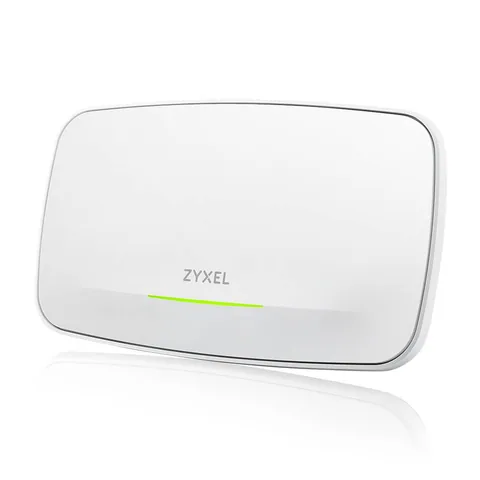 Unknown
Zyxel Wireless AP WIFI7 • BE22000 • 4x4 • Indoor • 1x 10 GbE 1x 1 GbE PoE Bt • WBE660S • NebulaFlex/Controller • Connect Protect
WBE660S-EU0201F€728.20