Marina connectivity from the office to the berth
Design indoor administration and outdoor berth coverage as separate environments, with engineered backhaul, protected equipment and room for surveillance.
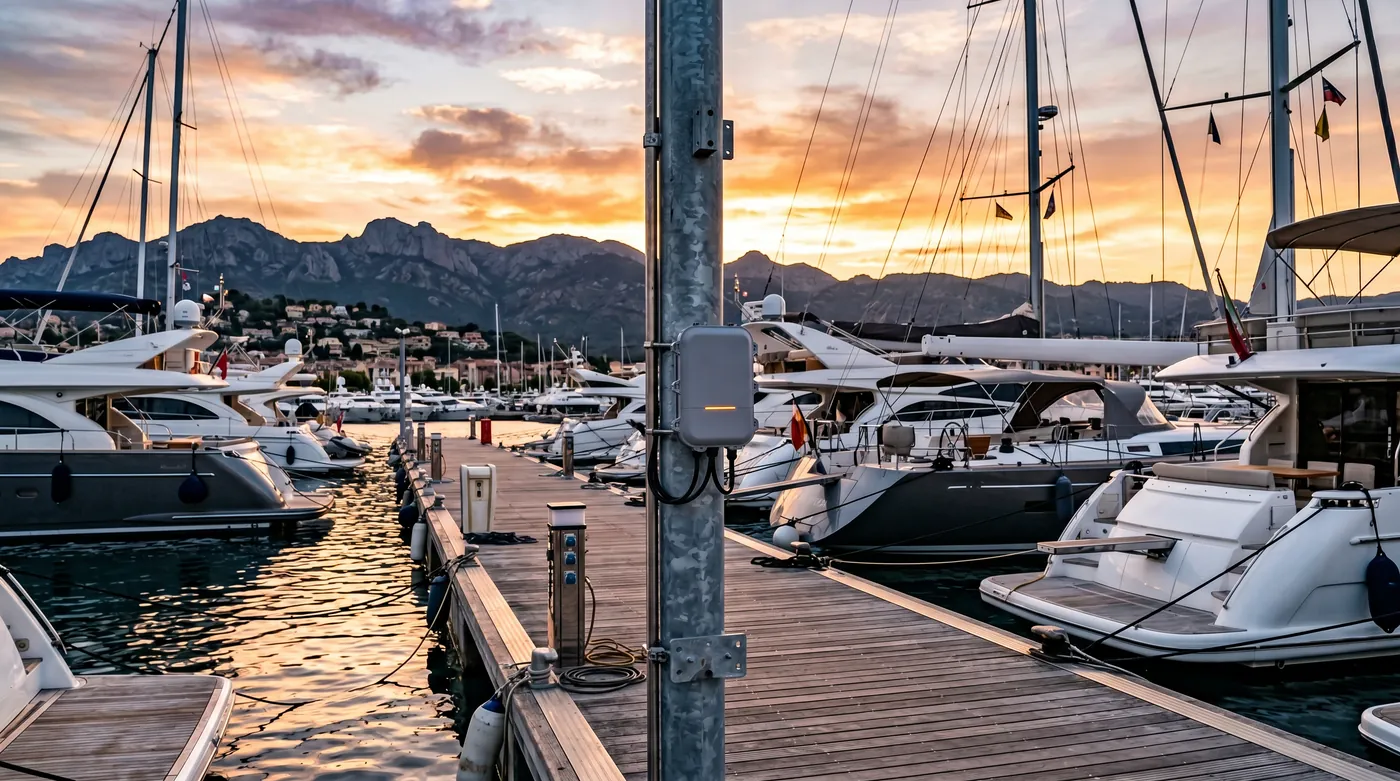
Engineer coverage around vessels and pontoons
Protect outdoor cabling and equipment
Separate berth users from marina operations
How the solution connects
Independent uplinks meet a controlled network boundary. Local access is separated by purpose.
Read the connection map
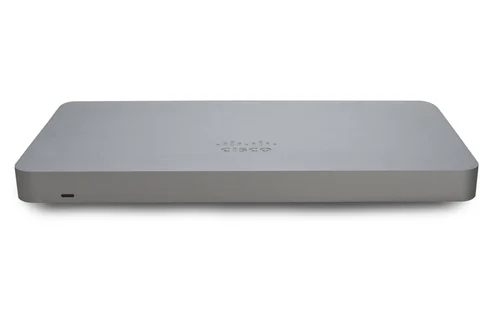
- Marina fixed internet → MX75 firewall · Primary path
- RUTC50 5G · backup → MX75 firewall · Alternate WAN
- MX75 firewall → PoE + pontoon backhaul · Policy boundary
- PoE + pontoon backhaul → Office Wi-Fi · Separate zone
- PoE + pontoon backhaul → Outdoor berth APs · Separate zone
- PoE + pontoon backhaul → CCTV network · scoped · Separate zone
The challenge on the ground
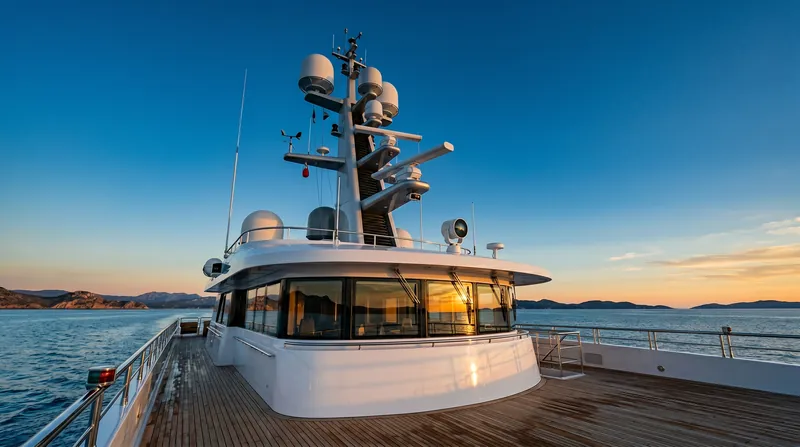
Masts, hulls and changing berth occupancy make a marina very different from an open car park. Wi-Fi may reach a berth but fail inside a metal vessel.
Salt, water movement and long cable routes also affect mounting, power and maintenance. A single indoor AP pointed towards the harbour does not solve these conditions.
Inside the design
Use an MX75 and MS130-48P in the protected office network. Provide CW9172I indoor coverage and a CW9179F outdoor AP for the pilot pontoon, with its supported environmental accessories. Use engineered fibre or an appropriate point-to-point backhaul for remote areas.
Keep berth guests, office services, surveillance and infrastructure separate. RUTC50 cellular backup supports essential marina operations when the fixed service fails.
Operating it day to day
Survey from representative boats at occupied berths, then document whether the service promise ends on deck or includes an onboard receiver. Check every outdoor enclosure, surge-protection and mounting detail.
Camera locations, storage and retention need a dedicated surveillance schedule; they are not inferred from the Wi-Fi AP plan. Cap guest use on the backup link and retain a clear service boundary for individual vessel networks.
What to test before handover
- Measure service at representative occupied berths and inside any agreed test vessels.
- Check guest isolation and the office/CCTV boundaries.
- Test the remote backhaul and power restart procedure.
- Run harbour administration over cellular while guest usage is limited.
Technical references
The bill of materials
One marina office and a pilot pontoon. The outdoor AP count is determined by berth geometry and an on-water survey. Quantities below describe the example; your proposal confirms the final equipment and services.
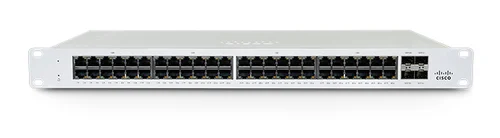
Cisco Meraki MS130-48P Cloud Managed 48-Port PoE Switch
MS130-48POffice distribution and PoE
View product
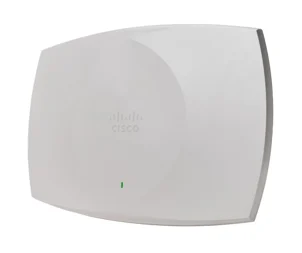
Cisco Wireless 9179F Access Point
CW9179FPilot outdoor coverage
Install with the supported environment/accessory pack; survey before scaling.
View product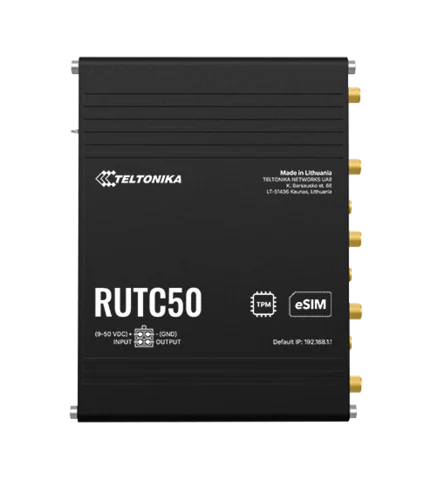
Complete the installation
The equipment above is one part of the project. Include these items in the final scope.
- CW9179F environment pack and mounts
- Fibre or point-to-point backhaul
- Outdoor enclosures, surge protection and power
- Cameras, recording and retention design
- Network licences and carrier plan
Questions before you specify
Can one AP cover every boat?
Berth geometry, hull construction and occupancy determine coverage. Survey the agreed service area and use an onboard receiver where inside-vessel service is required.
Let’s design it for your site.
Send us the details below. We can turn the reference architecture into a scoped design, equipment schedule and quotation.
Start your projectBring these to the first conversation
- 01Berth and pontoon plan
- 02Coverage boundary: deck or inside vessels
- 03Existing fibre and outdoor power
- 04Camera locations and retention requirements