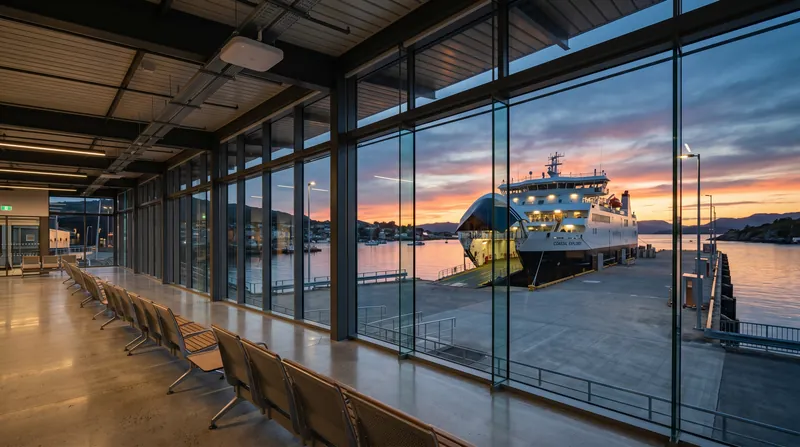
Plan vessel IT while the cable routes are still open
Coordinate accommodation networking, WAN infrastructure and onboard applications with the shipyard programme before spaces are closed out.

Reserve pathways before interior completion
Coordinate power, mounting and cooling
Handover tested and labelled systems
How the solution connects
Independent uplinks meet a controlled network boundary. Local access is separated by purpose.
Read the connection map
- WAN systems · scheduled → Vessel security boundary · Primary path
- Protected management → Vessel security boundary · Primary path
- Vessel security boundary → Accommodation switching · Policy boundary
- Accommodation switching → Cabins + social spaces · Separate zone
- Accommodation switching → IDEA application server · Separate zone
- Accommodation switching → Crew + operations · Separate zone
The challenge on the ground
Late IT decisions become expensive when bulkheads, cabinetry and cable routes are already complete. Antenna positions, rack depth and AP outlets affect several trades.
The design package should identify those interfaces early, while keeping final electronics procurement aligned with delivery and lifecycle timing.
Inside the design
Create a coordinated drawing set for racks, fibre/copper routes, cabin AP outlets and deck antenna positions. Use an MS130-48P and indoor CW9172H/CW9172I APs as the illustrative accommodation access layer.
Select one IDEA server based on the agreed application load; the compact and rack options are alternatives, not a requirement to install every model. WAN routers, terminals and antenna systems are scheduled against the vessel operating profile.
Operating it day to day
Agree cable type, fire boundaries, earthing and environmental requirements with the yard and relevant design authorities. Label both ends of every link and record test results before closing access.
Stage electronics configuration off-vessel where possible, then complete harbour and agreed sea acceptance. Hand over as-built drawings, configuration exports, renewal dates and named responsibilities for each system.
What to test before handover
- Inspect rack, power, cooling and cable-clearance provisions before fitout closes.
- Certify installed links and reconcile labels against drawings.
- Test representative cabins and application access at harbour acceptance.
- Complete the agreed WAN tests and record as-built configuration.
Technical references
The bill of materials
One newbuild or major refit with a coordinated IT package and a defined shipyard installation scope. Quantities below describe the example; your proposal confirms the final equipment and services.
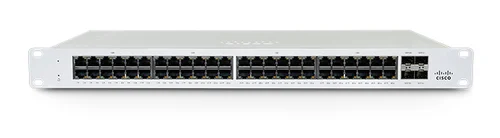
Cisco Meraki MS130-48P Cloud Managed 48-Port PoE Switch
MS130-48PAccommodation access switch
Illustrative network zone; final count follows the cable schedule.
View product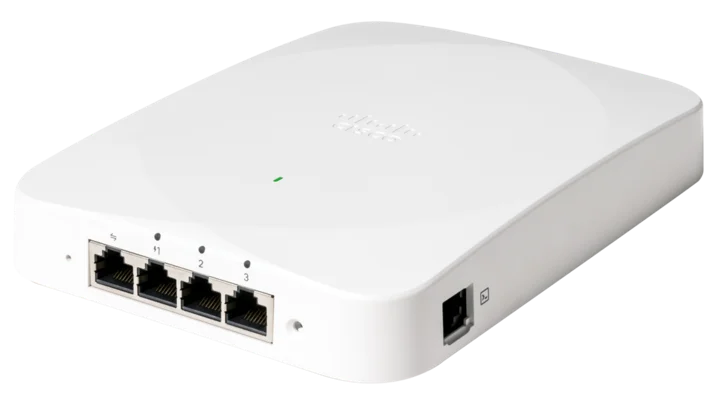

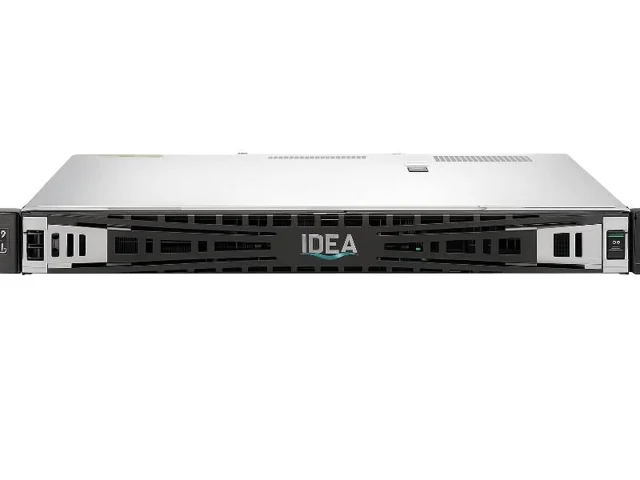
IDEA 1U Server SR100 - Certified & Optimized for IDEA Software
IDEA-SR100Rack application-server option
Select one server platform after workload sizing.
View product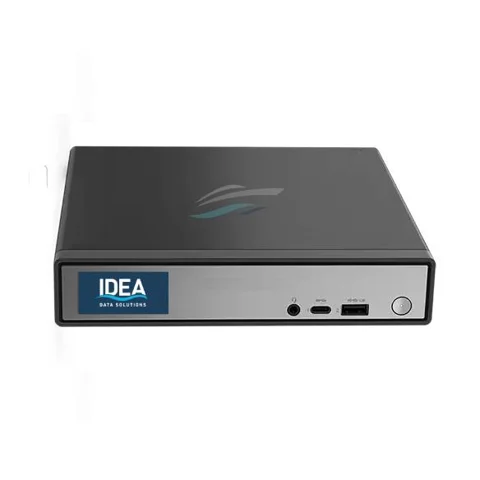
IDEA Mini Server - NR110
IDEA-NR110Compact server alternative
Alternative — Alternative to the rack server where capacity and installation permit.
View productComplete the installation
The equipment above is one part of the project. Include these items in the final scope.
- Vessel security edge and WAN equipment
- Marine cabling, fibre, optics and racks
- Protected power, cooling and mounting
- Licences, application installation and acceptance tests
Questions before you specify
When should electronics be ordered?
Reserve physical infrastructure early, then align final equipment selection with build milestones, availability and lifecycle checks. Do not freeze a long-build BOM solely around today’s stock.
Let’s design it for your site.
Send us the details below. We can turn the reference architecture into a scoped design, equipment schedule and quotation.
Start your projectBring these to the first conversation
- 01General arrangement and build schedule
- 02Rack/antenna/cable coordination drawings
- 03Application workload and capacity
- 04Yard standards and acceptance responsibilities