
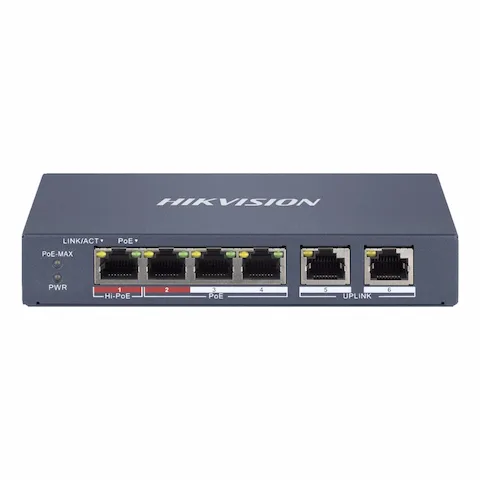
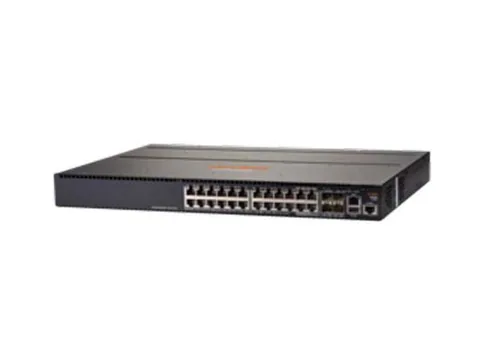
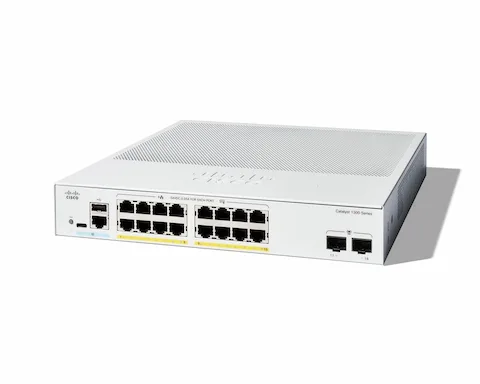
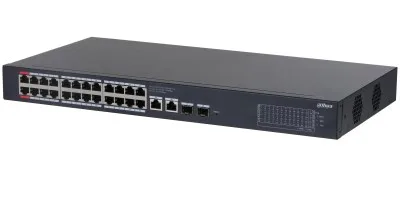
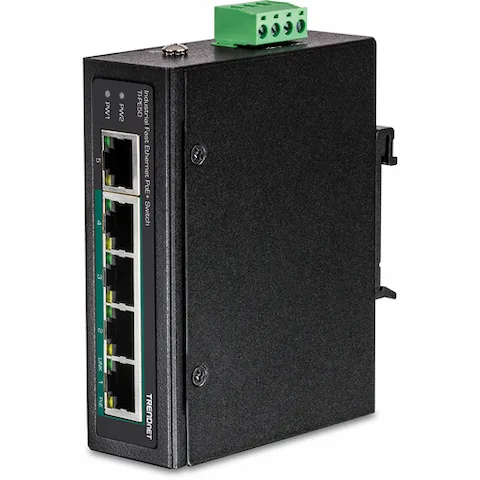
PoE switches

1,565 products listed

A PoE switch carries data and electrical power over the same Ethernet cable, so access points, IP cameras, door controllers and desk phones need a network drop instead of a network drop plus a socket. That is the whole reason the category exists: fewer electricians, fewer power bricks, and devices you can reboot remotely from the switch.

The two numbers that decide whether a switch fits your project are the port count and the total PoE power budget. Everything else — managed or unmanaged, gigabit or multi-gigabit, fanless or rack-mount — follows from where the switch is going and what it has to power.

PoE switches in stock and on order

Browse the full Network Switches category

How to choose poe switches

Match the PoE standard to the device you are powering

PoE comes in three IEEE standards, and they are not interchangeable in one direction: a PoE device works on a PoE+ switch, but a PoE++ camera or Wi-Fi 7 access point will not run at full capability on a plain PoE port.

  • 802.3af (PoE) — up to 15.4 W per port at the switch. VoIP phones, basic indoor cameras, older access points.
  • 802.3at (PoE+) — up to 30 W per port. Pan-tilt-zoom cameras, Wi-Fi 5 and Wi-Fi 6 access points, small displays.
  • 802.3bt (PoE++ / 4PPoE) — up to 60 W (Type 3) or 90 W (Type 4). Wi-Fi 7 access points, heated outdoor cameras, thin clients, LED lighting.

Budget the switch, not just the port

Every PoE switch has a per-port maximum and a total power budget shared across all ports. A 24-port switch with a 190 W budget cannot deliver 30 W on all 24 ports at once — it will run out at roughly six full-power devices. Add up the real draw of the devices you plan to connect, then leave 20–30% headroom for the next camera or access point somebody adds after handover.

Managed or unmanaged

Unmanaged switches power on and work. They suit a small camera run or a single-room installation where there is nothing to segment. Managed switches add VLANs, per-port PoE scheduling and remote power cycling, link aggregation and monitoring — which is what you need the moment guest traffic, voice traffic and CCTV share the same cabling.

Uplinks and where the switch lives

Access-layer PoE switches usually need at least one SFP or SFP+ uplink to get back to the core without an extra copper hop; long runs to another building need fibre. Desktop switches are fanless and fine in an office, but anything in a comms room should be rack-mountable at 19 inches so it can be secured, cooled and cabled properly.

PoE switches — frequently asked questions

How much PoE power do I need per port?
Check the powered device's datasheet class. VoIP phones and basic cameras sit inside 802.3af's 15.4 W, Wi-Fi 6 access points and PTZ cameras generally need 802.3at (30 W), and Wi-Fi 7 access points and heated outdoor cameras need 802.3bt (60–90 W).
Can I plug a non-PoE device into a PoE switch?
Yes. PoE switches negotiate power with each device before applying it, so laptops, printers and non-PoE cameras connect to the same ports and simply take data only.
What is the difference between PoE and PoE+ switches?
PoE (802.3af) delivers up to 15.4 W per port and PoE+ (802.3at) up to 30 W. The switch also matters in aggregate: a PoE+ switch generally carries a larger total power budget so more ports can draw high power simultaneously.
Do I need a managed PoE switch for CCTV?
Not always, but it helps. A managed switch lets you put cameras on their own VLAN away from office traffic and remotely power-cycle a frozen camera instead of sending someone to site.

Read before you buy